 Part of Calendar
 Appointments that repeat, remind and link
Stand-up set once, a reminder a day ahead, the link on it
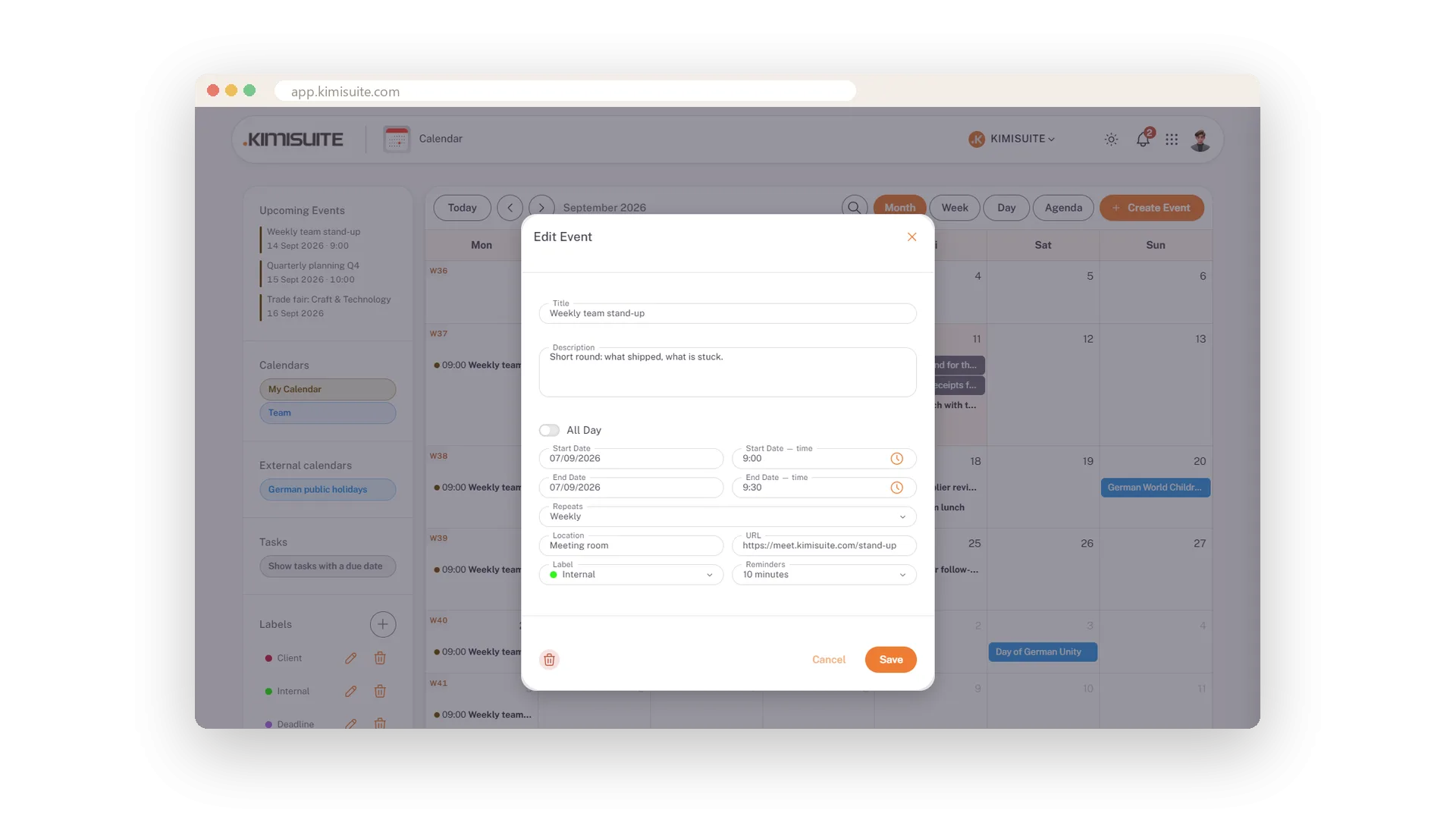
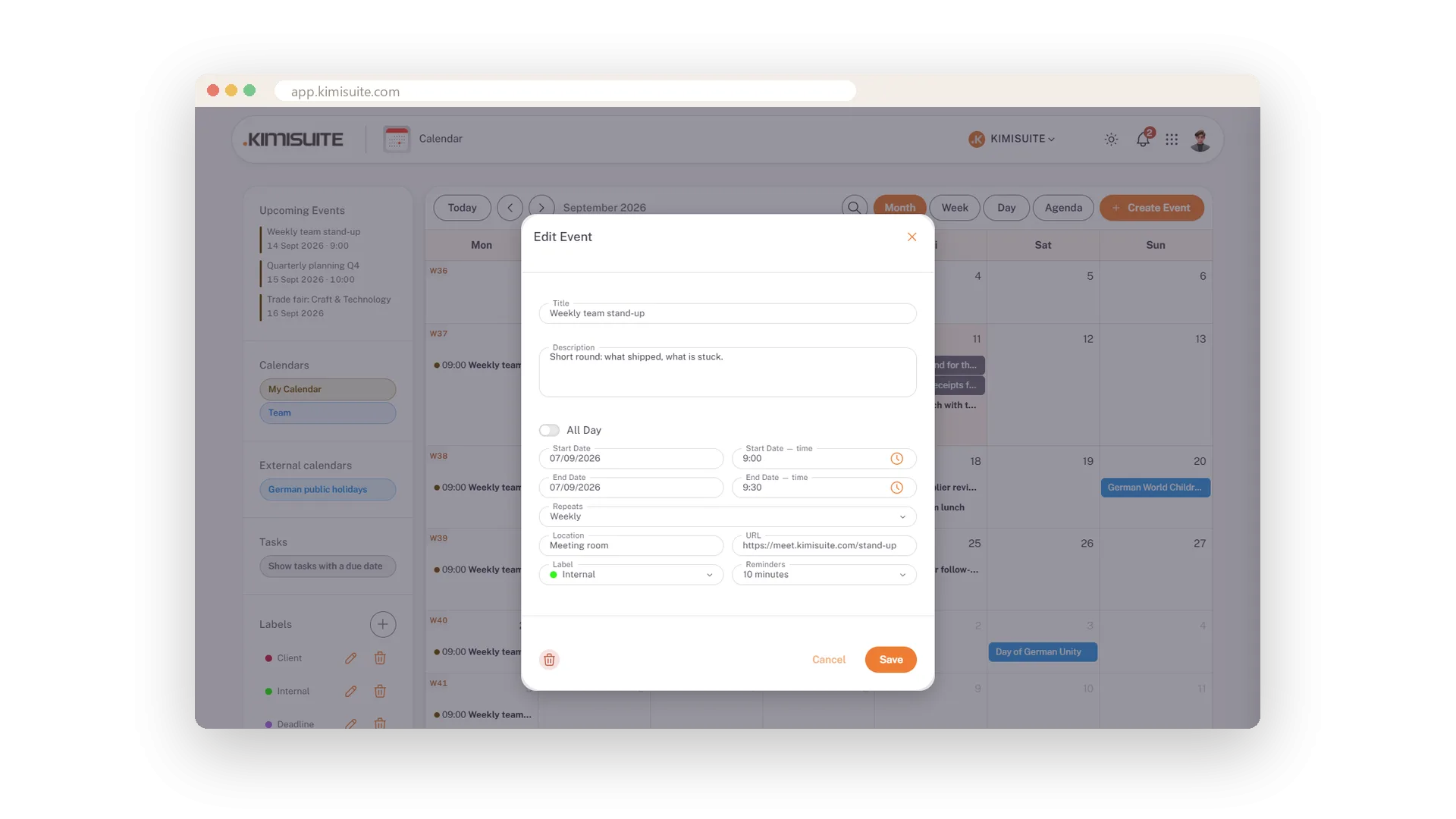
Set the Monday stand-up once as weekly, put the meeting link on it, and every Monday the entry is there at the same time - also after the clocks change - with the link one click away. Give the tax deadline a reminder two days ahead. Switch a trade fair to all-day and it sits in the all-day row instead of blocking the hours. Calendar, title, time, location, link, label, reminder - everything an appointment needs, on one form. Type the date or pick it, and when you move the start, the end moves with it.
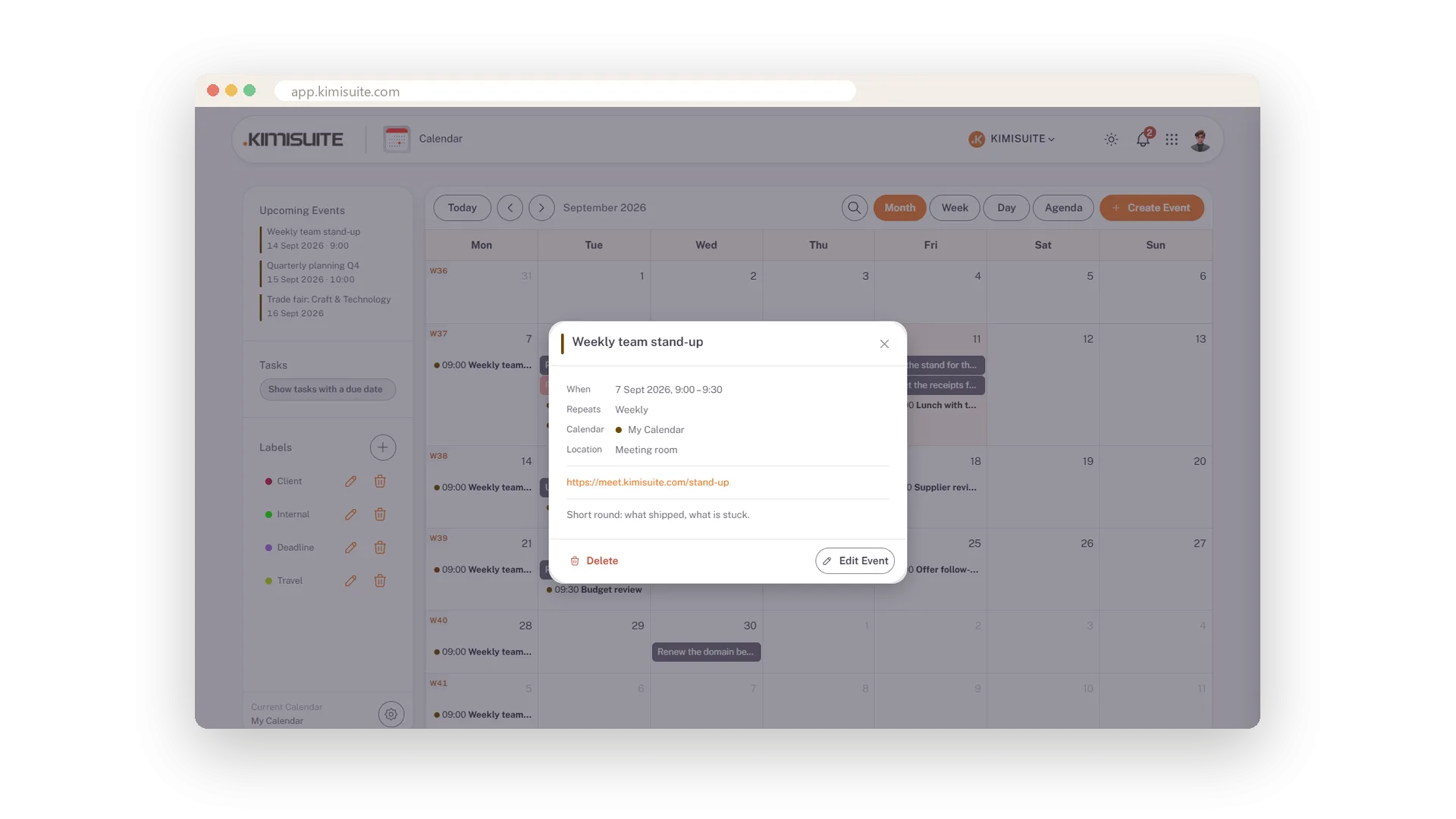
A click on an appointment does not throw you into a form: it opens a preview with when, whether it repeats, which calendar and label, where, the link and the description. Edit or delete from there - and for a series the calendar asks whether you mean this one, all following ones or the whole series.
Key Benefits
Repeats daily, every weekday, weekly, monthly or yearly - same time, even when the clocks change
The meeting link on the appointment, one click away in the preview
Reminders from five minutes to a week ahead, or any value you choose
Preview on click - a look at an appointment does not open a form
The meeting link on the appointment
One click from the calendar into the call
A field for the meeting link, right on the appointment. In the preview it stands apart as a clickable link - you join the call from the calendar, not from a search through your mails.
Where it happens
A location line on every appointment
Room, address or 'the café by the station': the location is on the appointment and shown as its own line in the preview.
All-day with one switch
Trade fairs and holidays in their own row
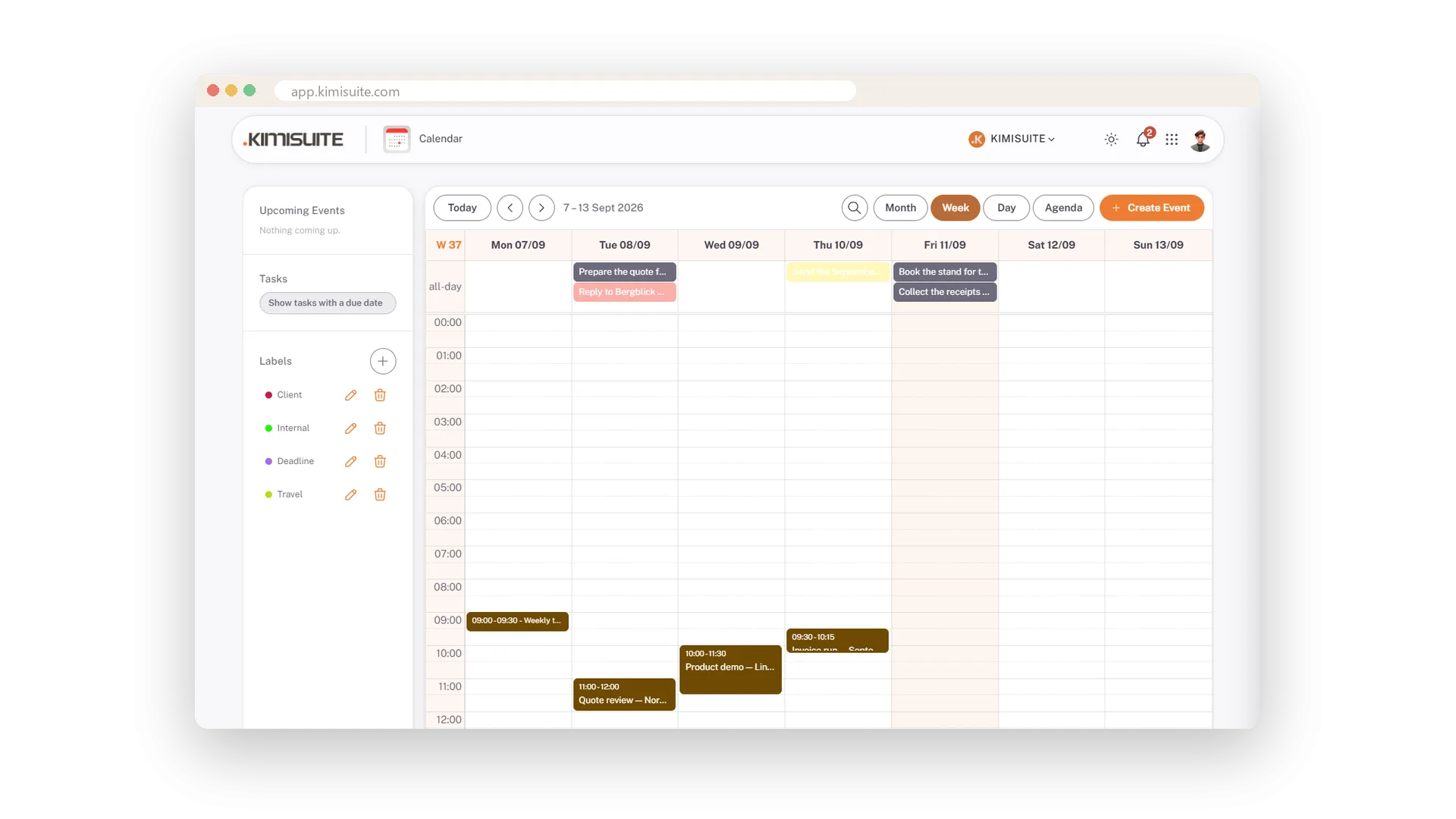
Switch on All Day and the appointment moves to the all-day row of the week and the top of the day - visible, without blocking a single hour.
Set it once, it repeats
Daily, every weekday, weekly, monthly, yearly
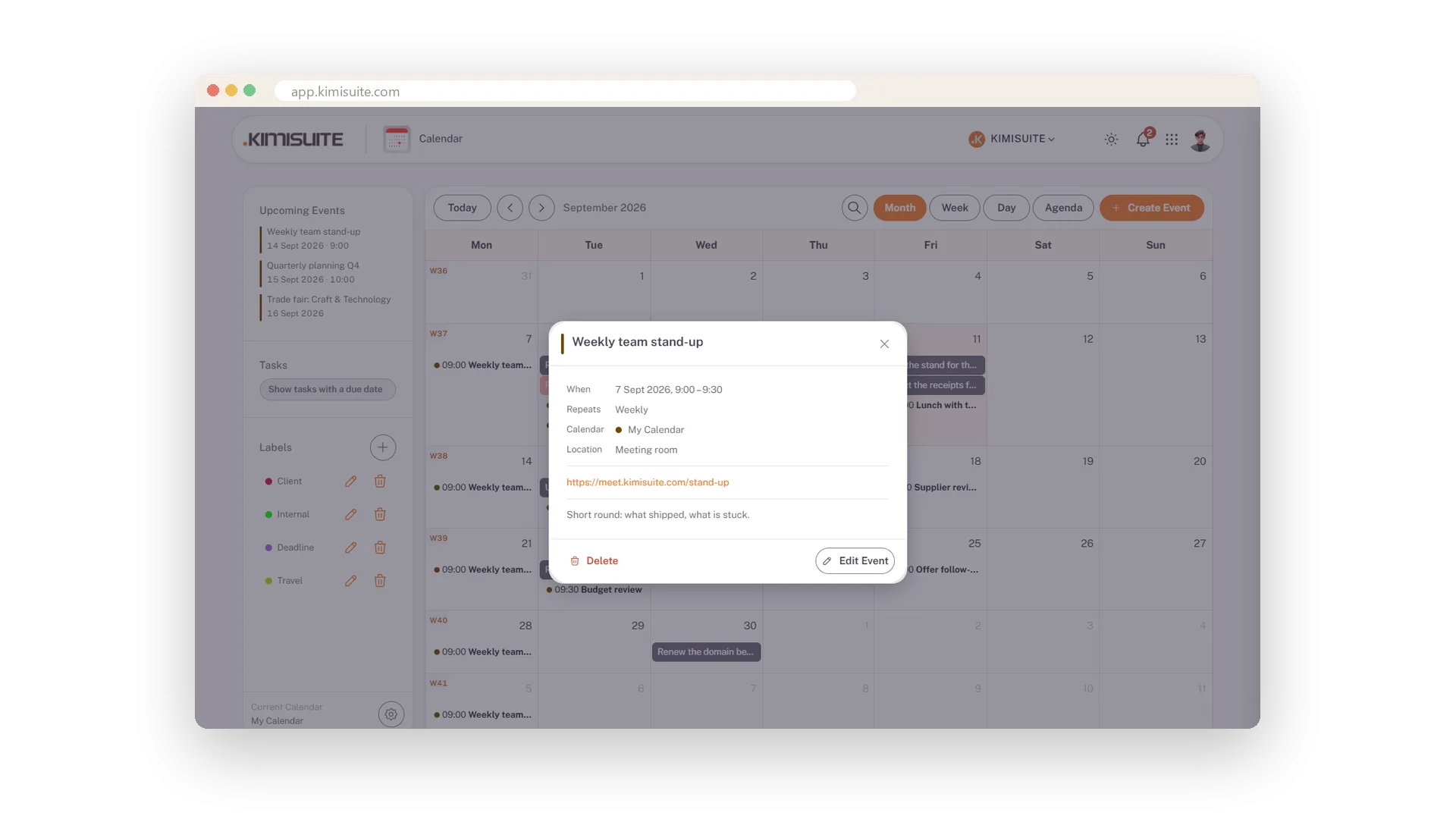
The stand-up every Monday, the report on the first of the month, the team day once a year: choose the rule once and the series is in the grid immediately. Every occurrence keeps its time when the clocks change in spring and autumn. The preview shows the rule as a Repeats line.
A nudge before it starts
Five minutes to a week ahead, or your own value
Five minutes before the call, a day before the deadline, a week before the renewal: every appointment gets its own reminder, from the presets or any value you type.
A look, not a form
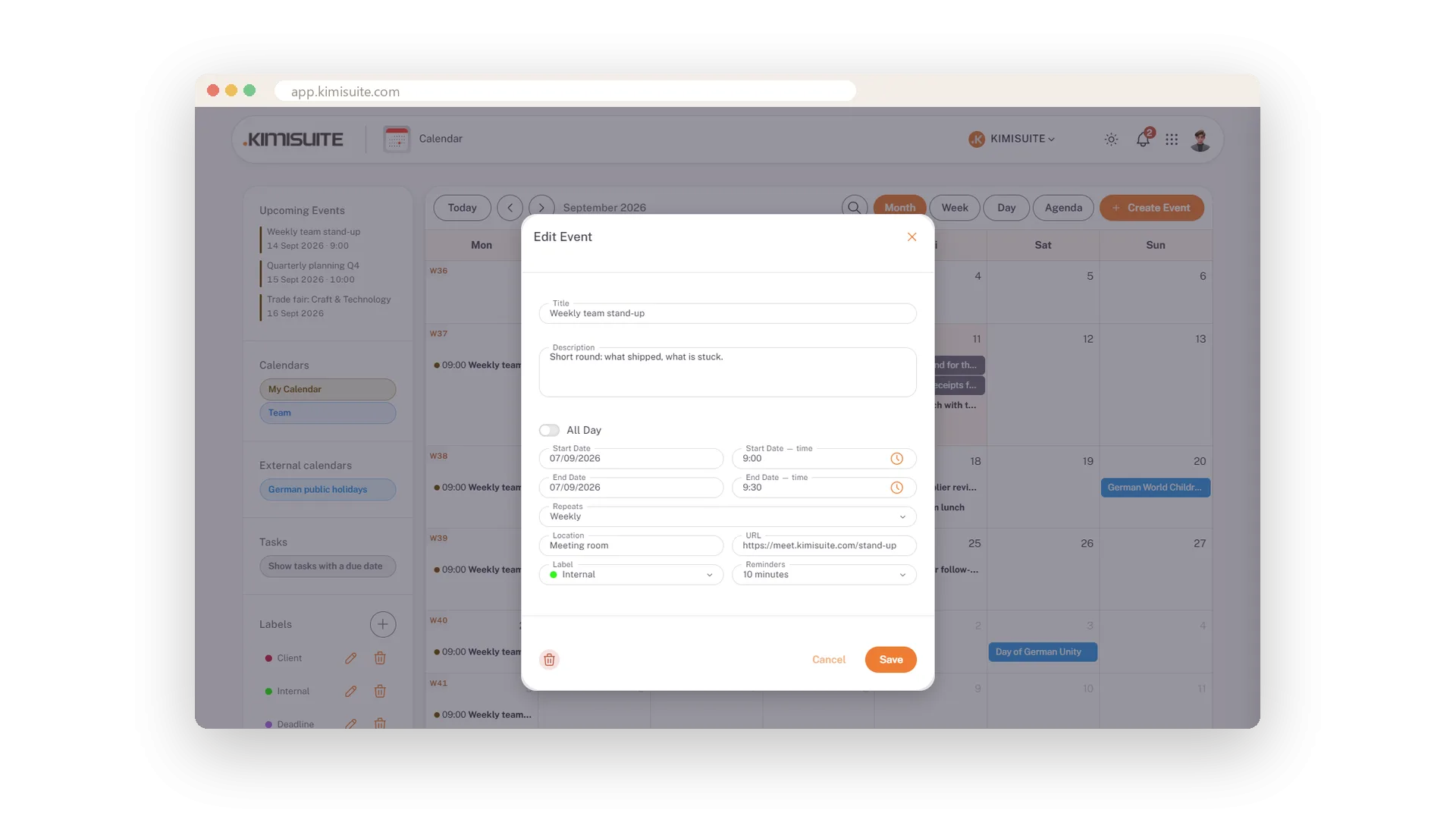
Click an appointment and see what matters
Click an appointment and a preview opens: the title in the appointment's colour, when, whether it repeats, which calendar and label, where, the link and the description - only the lines that say something. Edit and Delete sit at the bottom.
Change or remove it in place
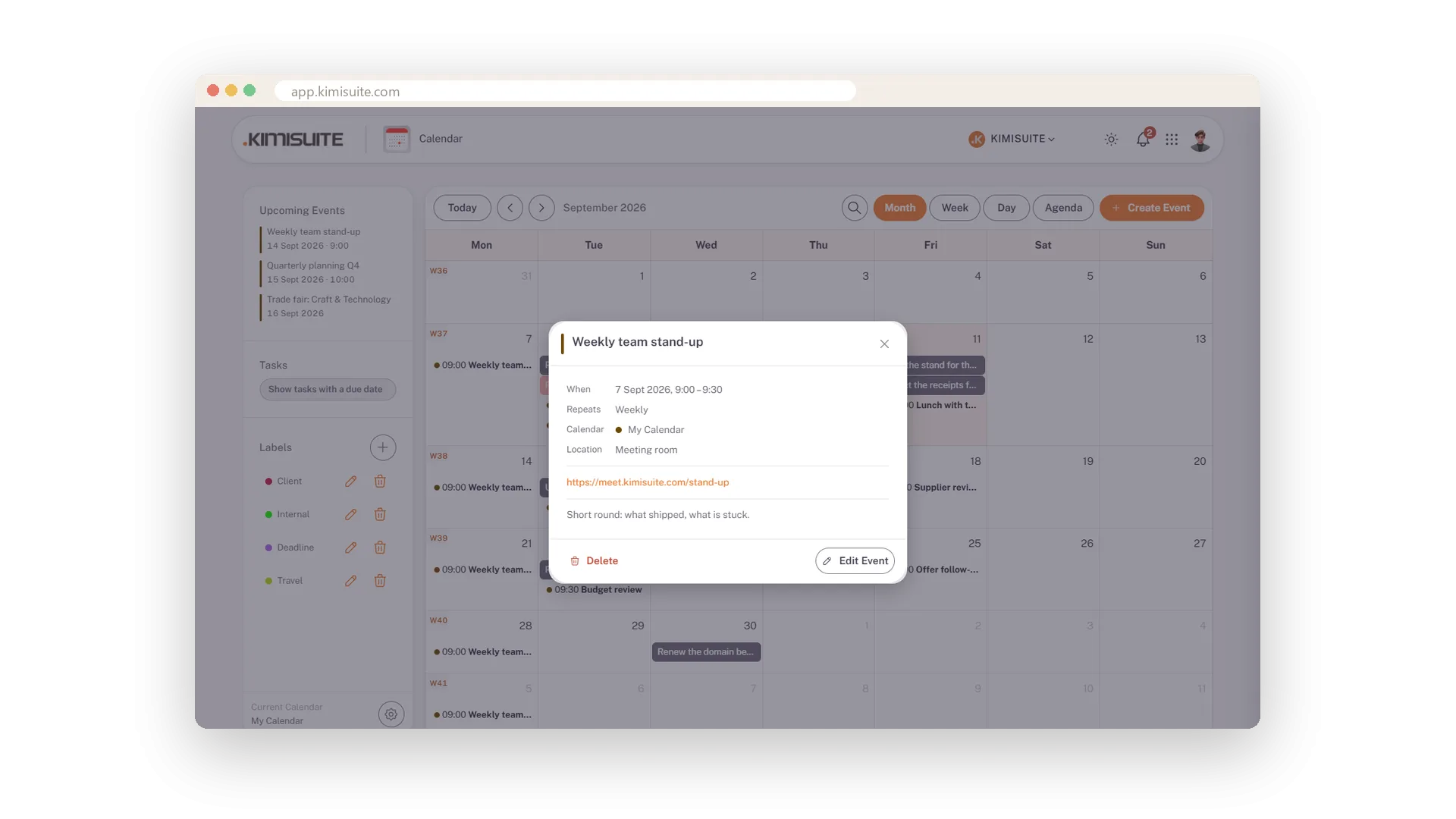
Edit from the preview - a series asks what you mean
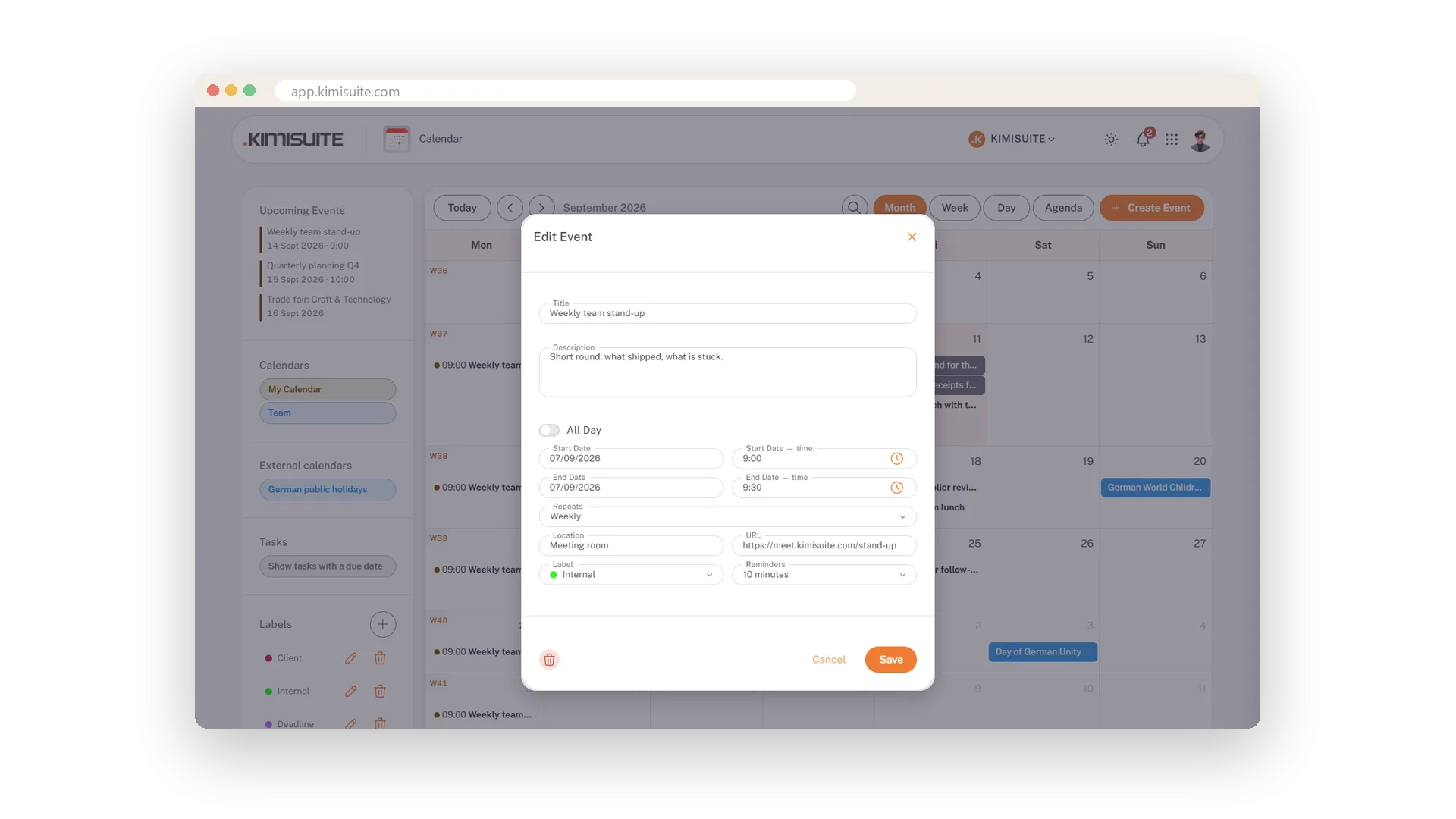
Edit Event opens the form with everything filled in. Move the start and the end follows. Delete removes a single appointment after a quick confirmation. For a series the calendar asks whenever you change or delete: this occurrence, all following ones or the whole series.
Use Cases
The Monday stand-up
Set it once as weekly with the meeting link. Every Monday shows the entry, and the preview offers the link one click away.
A trade fair day
Switch on all-day. The appointment sits in the all-day row of the week instead of blocking the hours, and the agenda lists it at the top of the day.
A deadline that must not slip
Give it a reminder a day or two ahead and a label such as Deadline - and find it later by that label.
FAQ
Try Calendar today
Team calendar with CalDAV sync, free in every workspace
Free of charge, in your own workspace, ready in a minute.
