 Part of Calendar
 One calendar on every device
Syncs with iPhone, Mac and Thunderbird - a link for Outlook
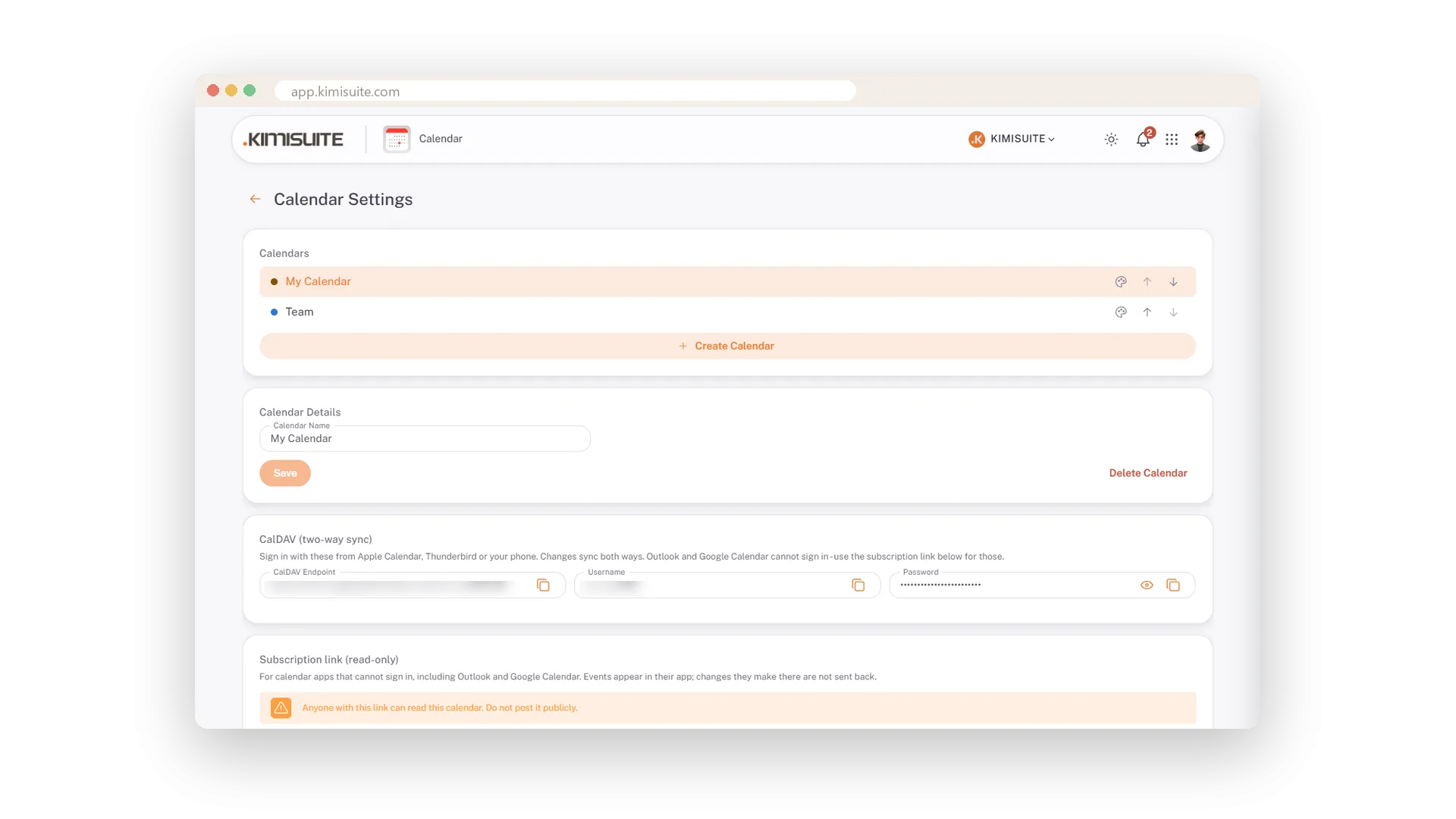
Enter an appointment on your phone in the car park and the team sees it in the workspace. Enter it in the workspace and your phone reminds you. The calendar speaks CalDAV: Apple Calendar, Thunderbird and your phone sign in with the details from Calendar Settings and sync in both directions - no export, no file.
A colleague who lives in Outlook or Google Calendar gets a subscription link and sees the appointments there, read-only; replace or remove the link whenever you like. It works the other way round too: paste the address of a public holiday calendar and its days appear in their own colour, switched off with one chip. And a workspace can run several calendars - team, private, projects - each with a colour and a chip in the sidebar. Booked into the wrong one? Pick another calendar in the form and the appointment moves.
Key Benefits
CalDAV in both directions for Apple Calendar, Thunderbird and your phone
A read-only subscription link for Outlook and Google Calendar
External calendars such as public holidays, in their own colour, switched off with one chip
Several calendars in one workspace, each with a colour and a visibility chip
Team, private, projects - side by side
A colour and a chip for every calendar
Run as many calendars as your workspace needs, each with its own colour. A chip per calendar in the sidebar shows or hides it, and every appointment without a label wears the colour of its calendar. Booked into the wrong one? Pick another calendar in the form and the appointment moves - a series moves as a whole.
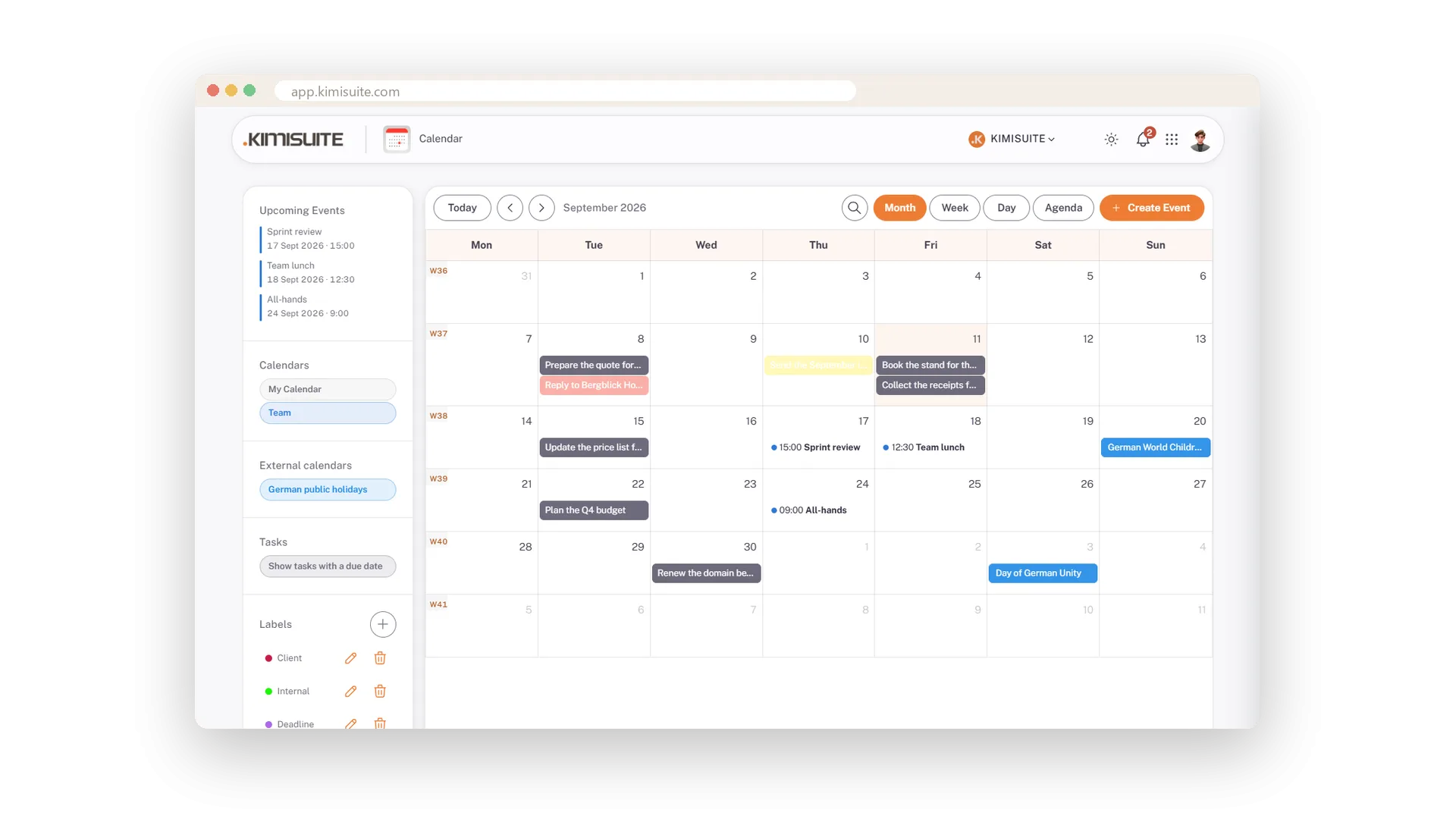
A link for Outlook and Google
Read-only, replaced or removed any time
For calendar apps that cannot sign in - Outlook, Google Calendar - create a subscription link. The appointments appear there, read-only. If the link gets out, replace it; the old one stops working.
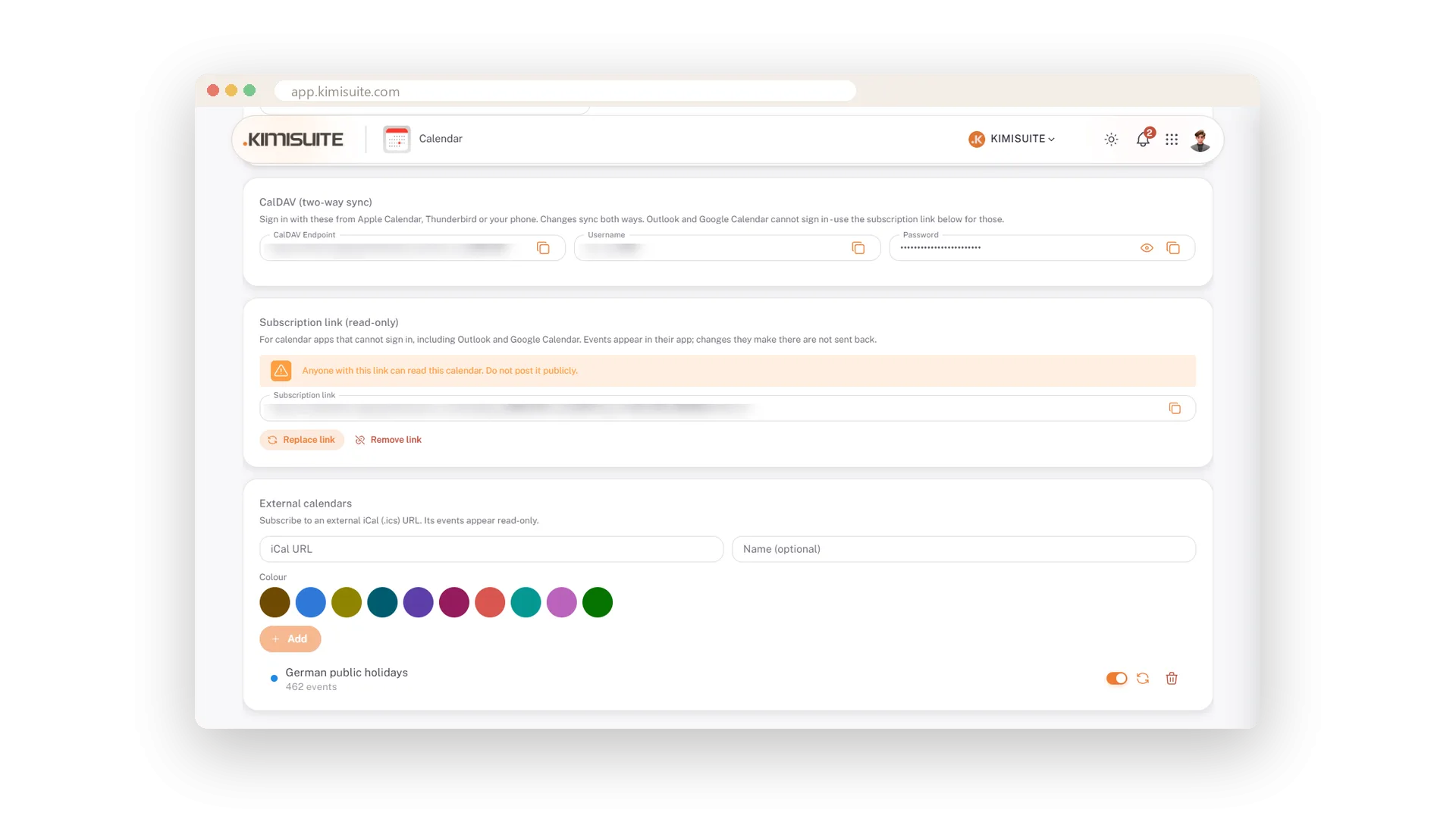
Holidays and other feeds
Subscribe by address, hide with one chip
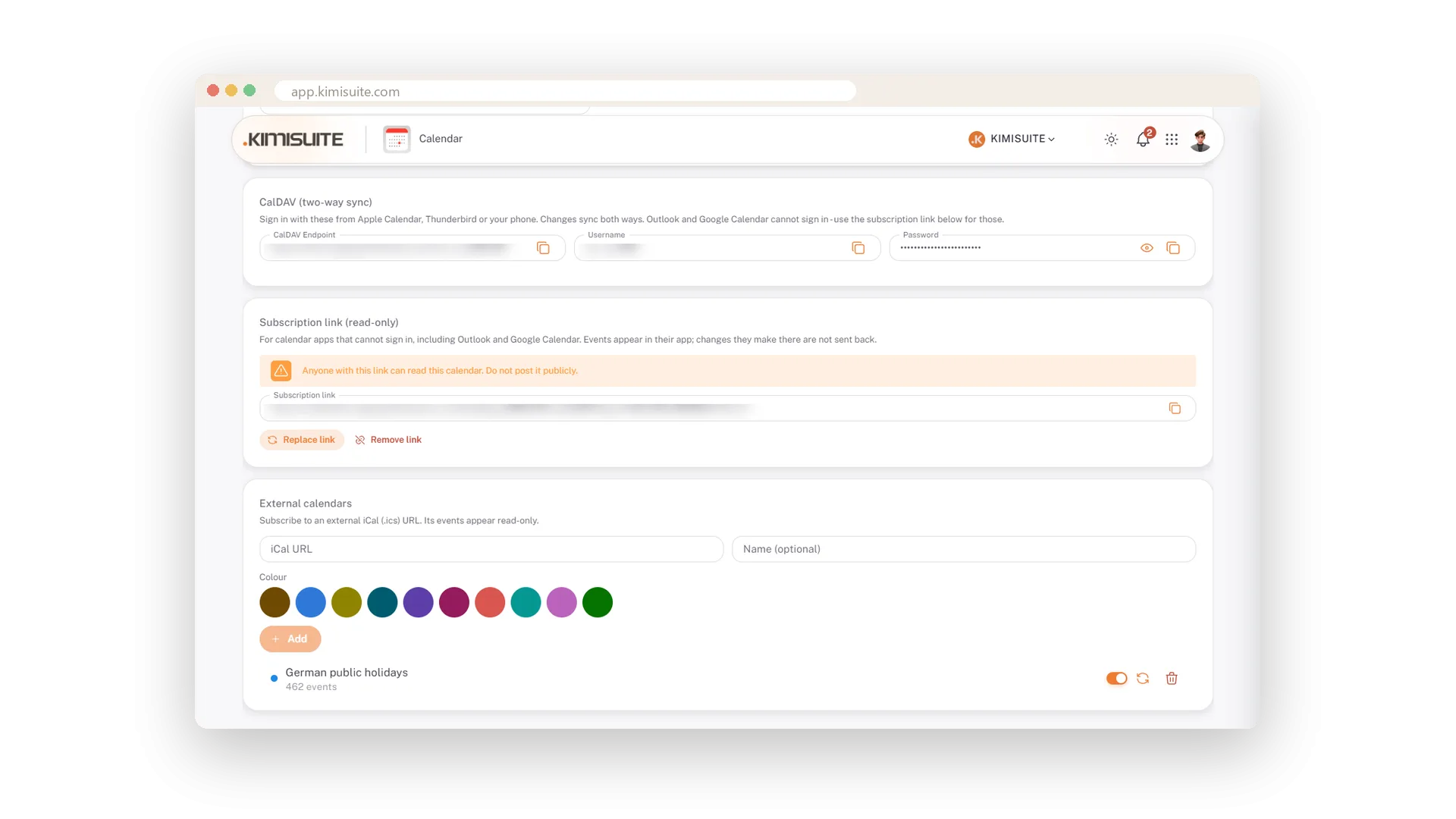
Paste the address of a public holiday calendar or any iCal feed, give it a name and a colour. Its days appear in your grid, with a count, a reload and a switch - and hide with one chip when you do not need them.
Use Cases
The workspace calendar on the phone
Add the CalDAV account once. New appointments show up on the phone, and what you enter on the phone shows up for the team.
A colleague who lives in Outlook
Create the subscription link and hand it over. Outlook shows the appointments; you keep control and can replace the link any time.
Public holidays without typing them
Subscribe to a holiday calendar by its address. Its days appear in their own colour and hide with one chip.
FAQ
Try Calendar today
Team calendar with CalDAV sync, free in every workspace
Free of charge, in your own workspace, ready in a minute.
