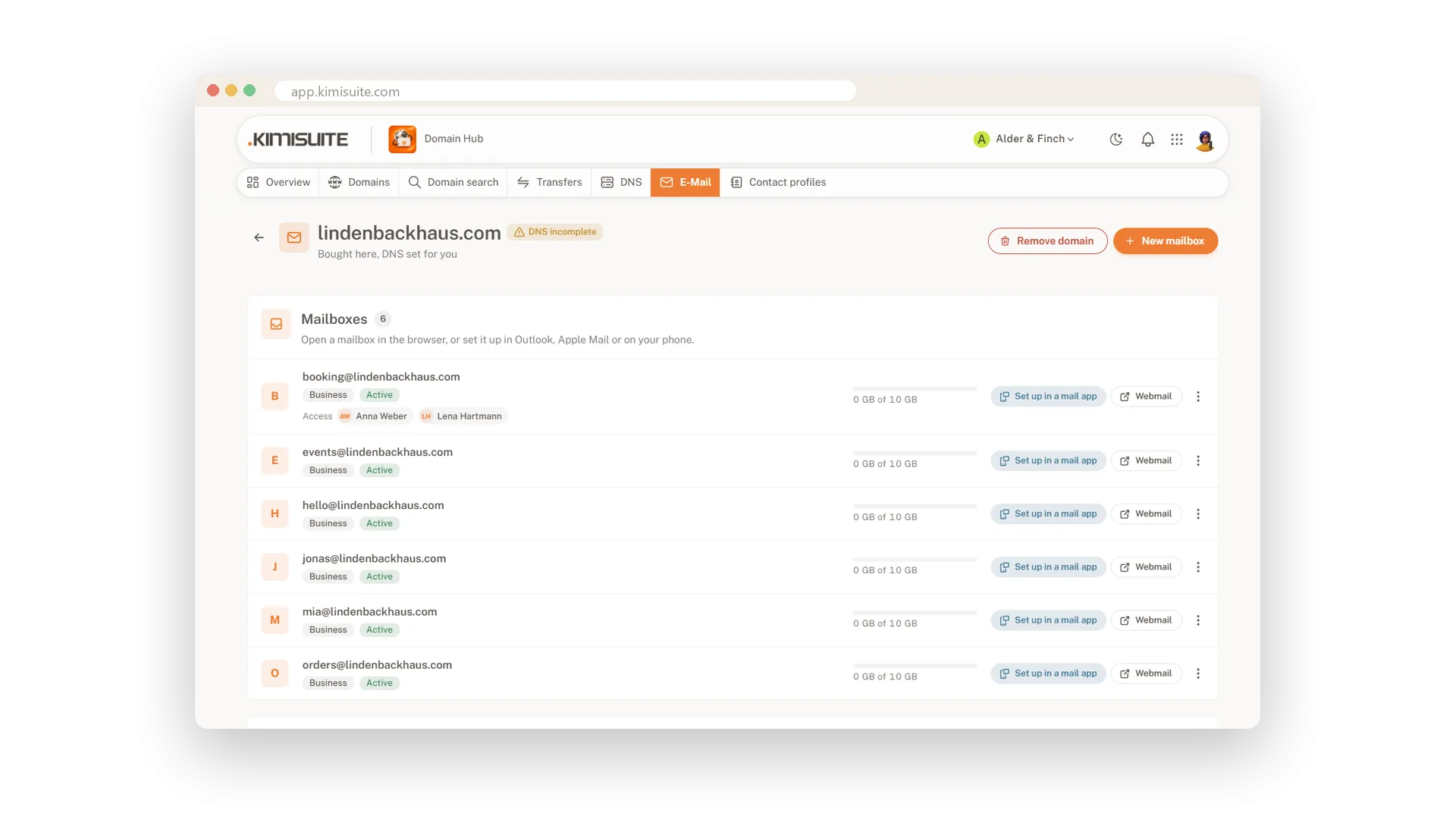
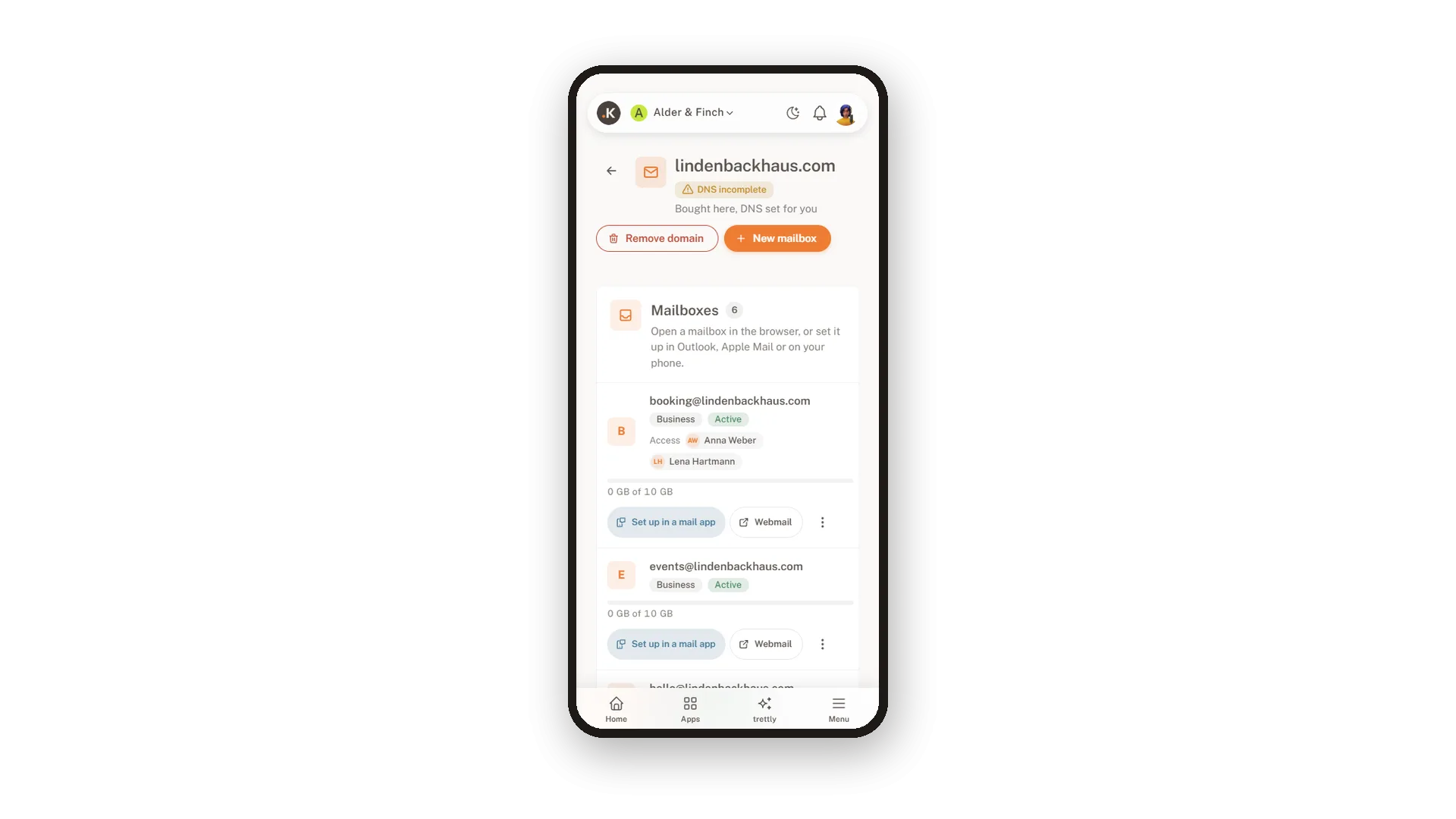
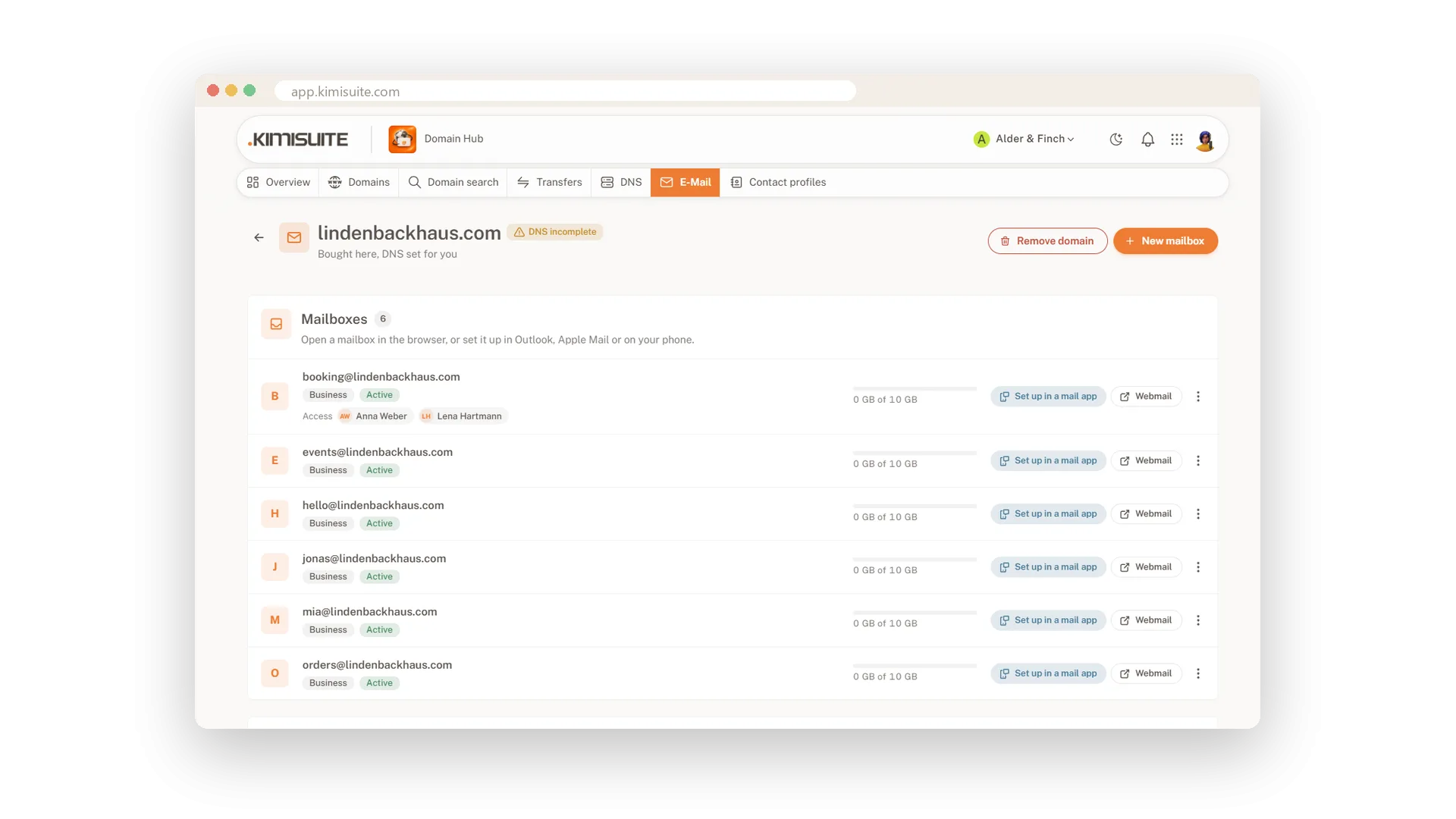
An address like [email protected] tells customers you are a real business. In Domain Hub you create such mailboxes in a few steps. On a domain bought here, the e-mail records are set for you. For a domain registered elsewhere, Domain Hub shows the records to add at your provider and checks them live until every one is right.
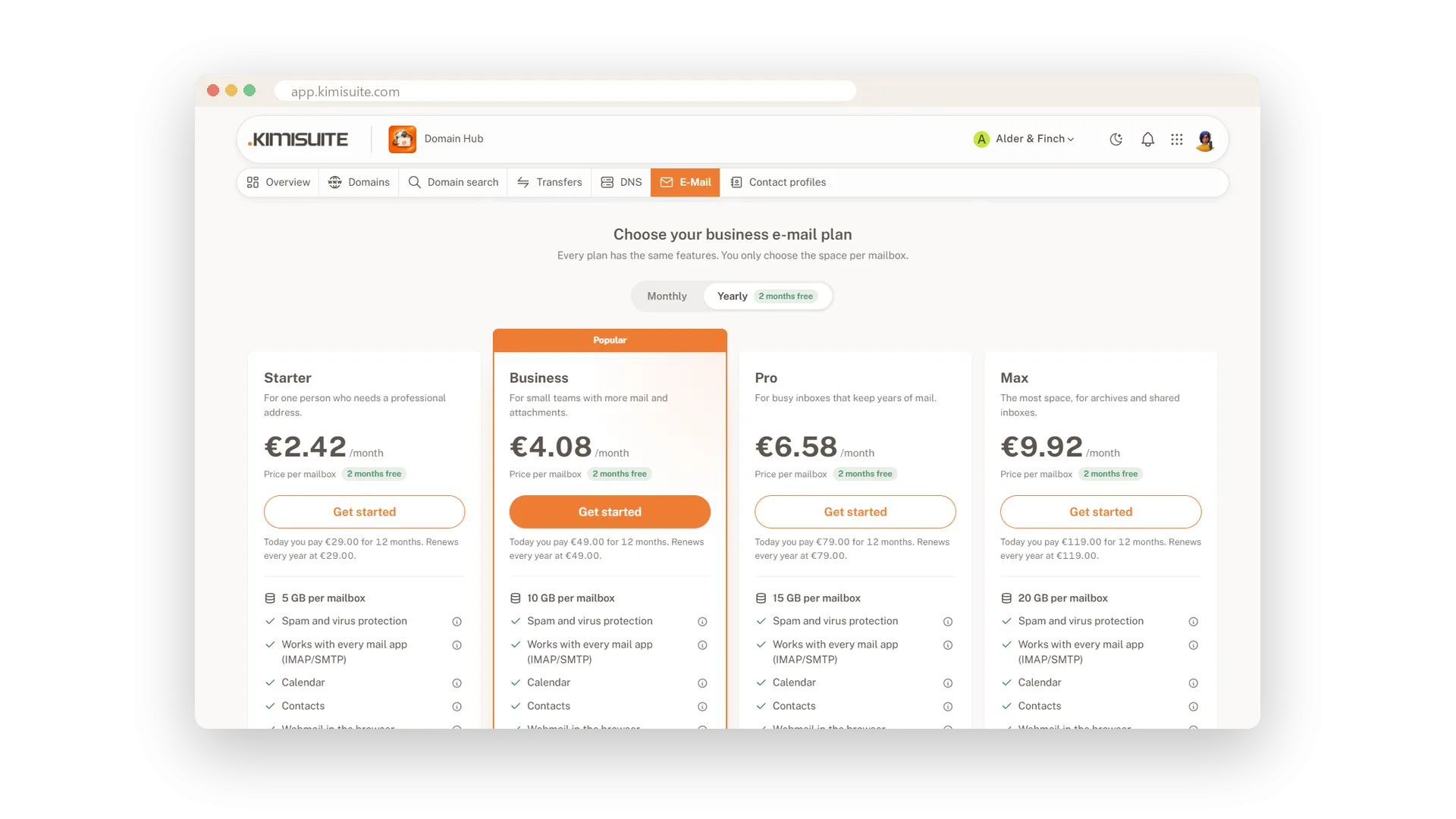
Each mailbox opens in webmail with one click and works in Outlook, Apple Mail or on your phone over IMAP, POP3 and SMTP; the app shows the server settings to copy. Spam and virus protection are included, aliases and forwarding cost nothing extra, and the four plans differ only in storage, from 5 to 20 GB. You pay per mailbox, monthly or yearly with two months free.
Key Benefits
Your own address on your own domain, set up in a few steps
Webmail in one click and any mail app over IMAP, POP3 and SMTP
Aliases and forwarding at no extra cost, spam and virus protection included
Also for a domain registered elsewhere: the records to copy, checked live
Mailboxes with your own name
Four sizes, same features, monthly or yearly
Create a mailbox on your domain, pick the storage you need and pay monthly or yearly. All four plans have the same features and differ only in storage, from 5 to 20 GB.
Webmail in one click
Open any mailbox in the browser, no password
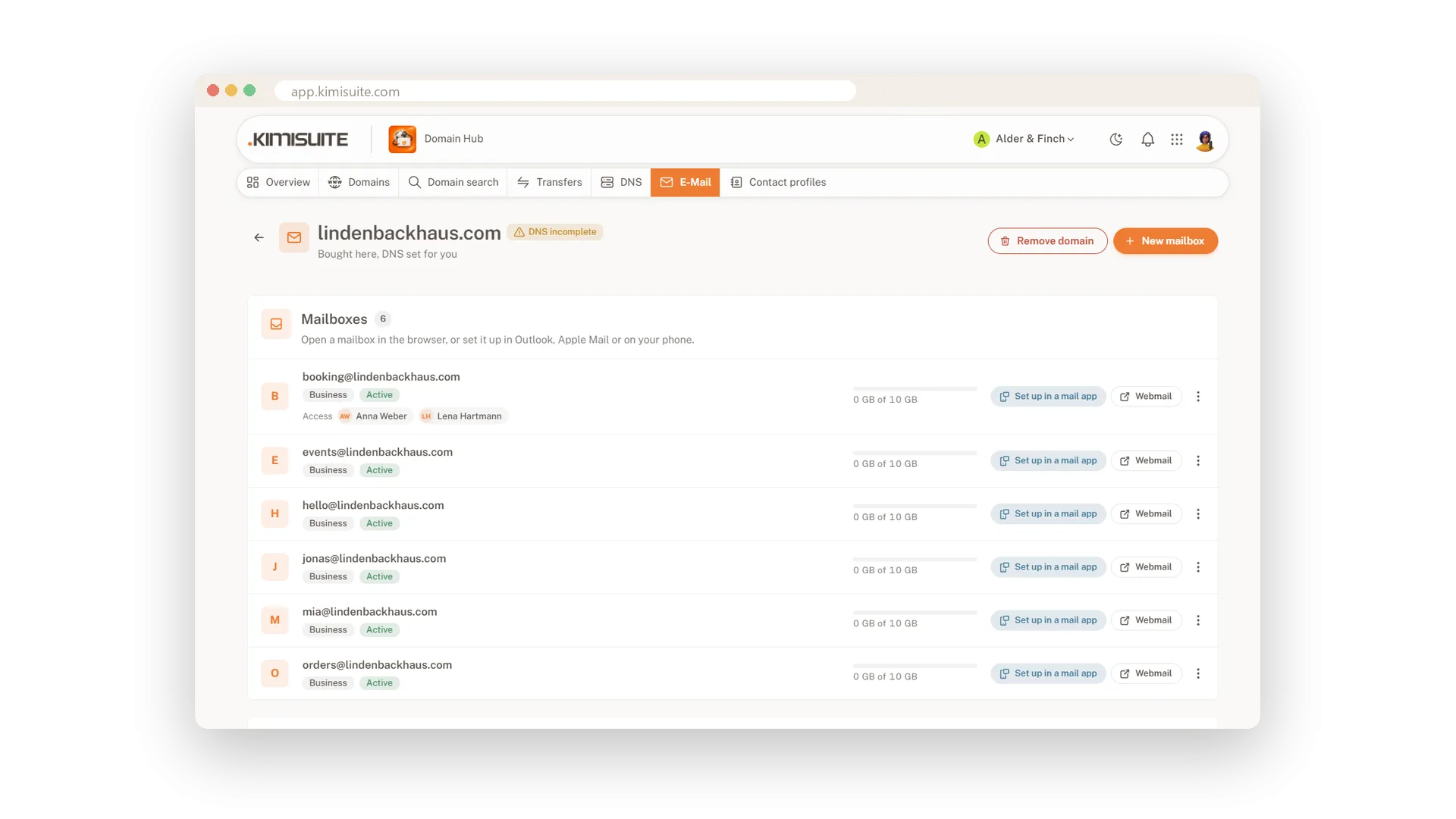
Next to every mailbox sits a Webmail button. One click opens it in the browser and signs you in, so you can read and send from any computer.
Set up in your mail app
IMAP, POP3 and SMTP settings ready to copy
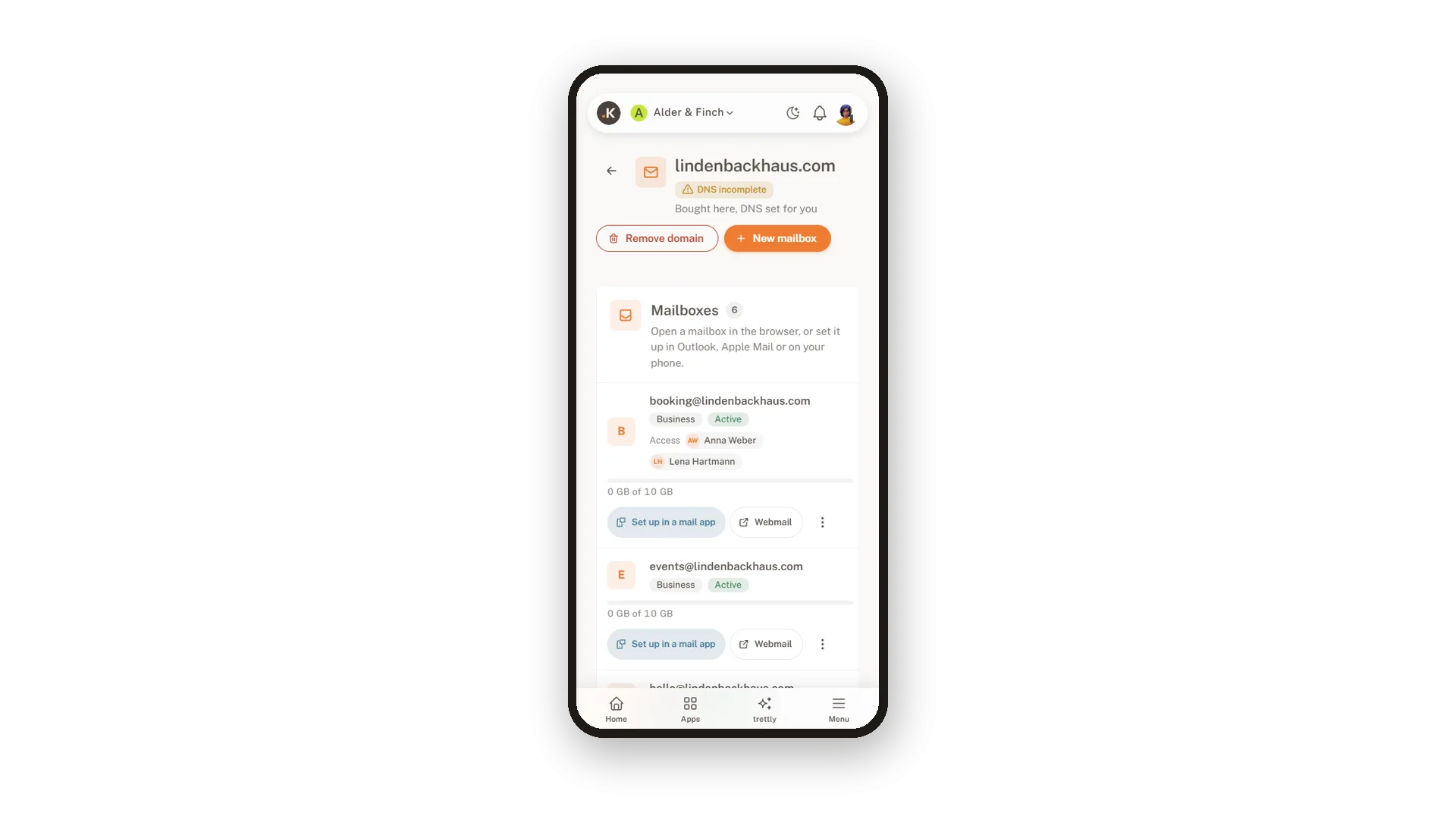
Set up in a mail app shows server name, port, security and user name for IMAP, POP3 and SMTP, each with a copy button. The same window opens right after you create a mailbox.
Aliases and forwarding included
More addresses, one inbox
Give a mailbox more addresses with aliases, so office@ and contact@ land in the same inbox, or forward mail to another address. Neither costs anything extra.
E-mail for a domain registered elsewhere
The records to copy, checked live
Keep your domain where it is and still use mailboxes from Domain Hub. The app lists the MX, SPF, DKIM and DMARC records to copy to your provider and checks each one until all are correct.
Use Cases
From Gmail to your own name
You still write from a free mail address. You create hello@ on your domain, set it up on your phone, and customers see your business name.
The domain stays where it is
Your domain is with another provider. Domain Hub lists the four records, you copy them over, and the check turns green one by one.
One mailbox, three addresses
You want info@, office@ and contact@ but only one inbox. You add two aliases to one mailbox, and all mail lands in one place.
FAQ

Try Domain Hub today
Your domains, DNS and business e-mail in one place
Free of charge, in your own workspace, ready in a minute.