 Part of Service Manager
 Ready for your trade in minutes
Pick your industry and start with services ready
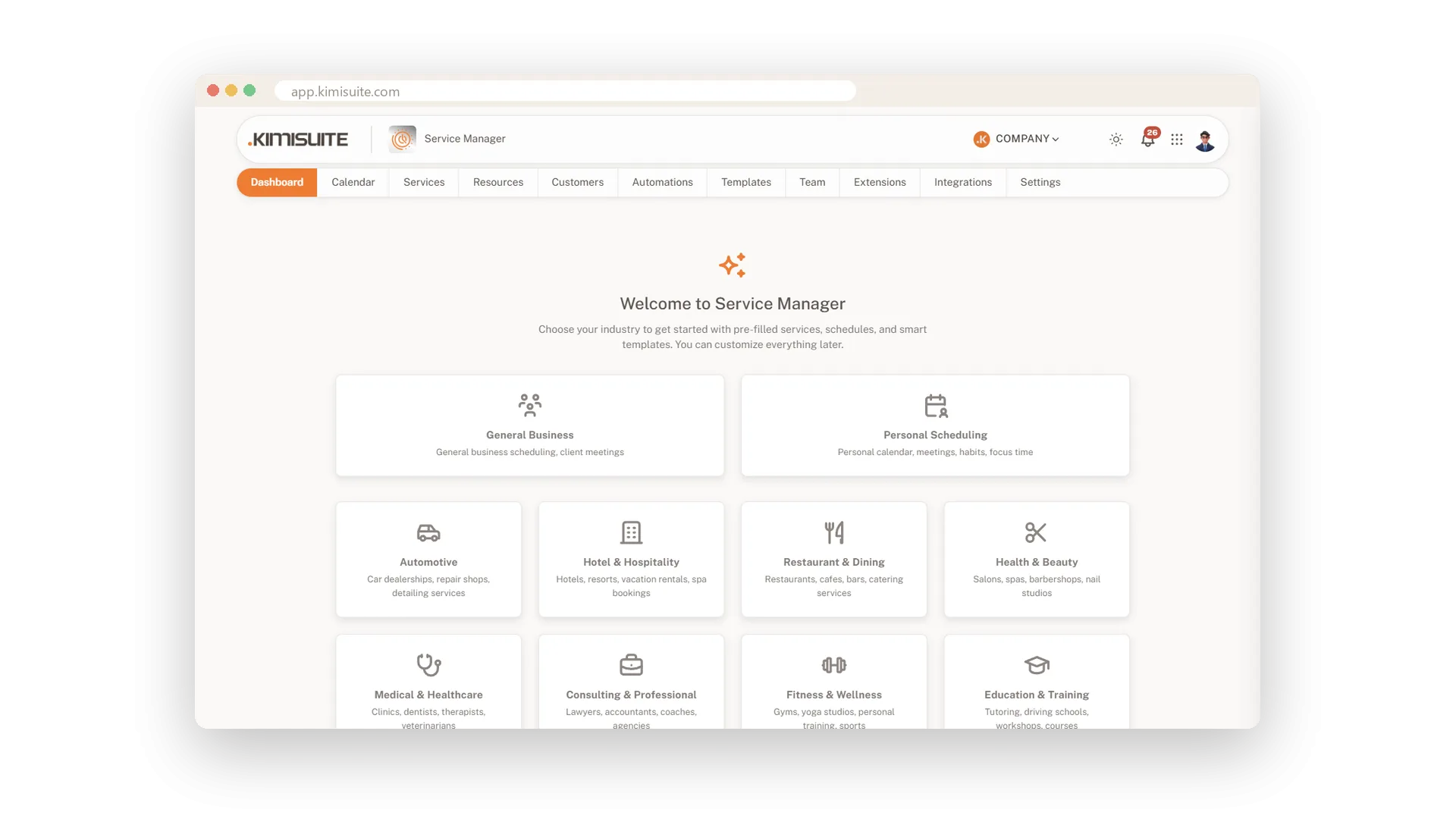
An empty booking system means hours of typing before the first client. Service Manager starts from your trade instead. Choose one of ten industries and you see every suggested category, service with duration and price, resource type and automation as a checklist. Untick what you do not offer, set your hours and choose the pages you need. Three screens later you have a working app.
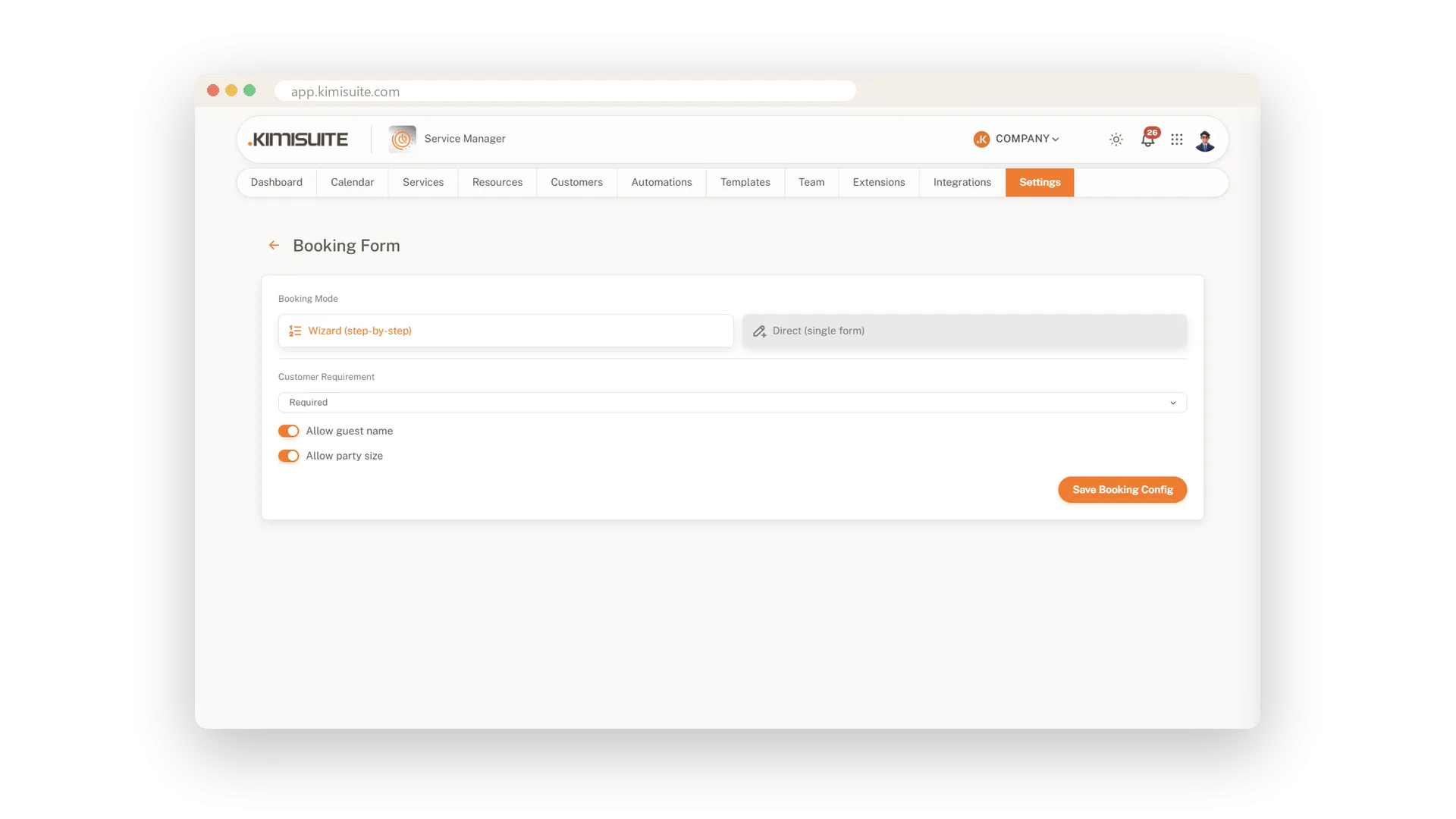
The details follow on one settings page with fifteen blocks, each marked with a green tick once it is done. Add your company name, address, logo, contact details and About text, your currency and time zone. Decide whether clients book in a step-by-step wizard or a single form, and whether a client record is required. Switch whole pages such as resources or automations on or off, so your team sees only what you use.
Key Benefits
Ten industries with suggested services, durations, prices and resource types
A checklist to keep only what you offer, working in three screens
Fifteen settings blocks on one page, with a green tick for each one done
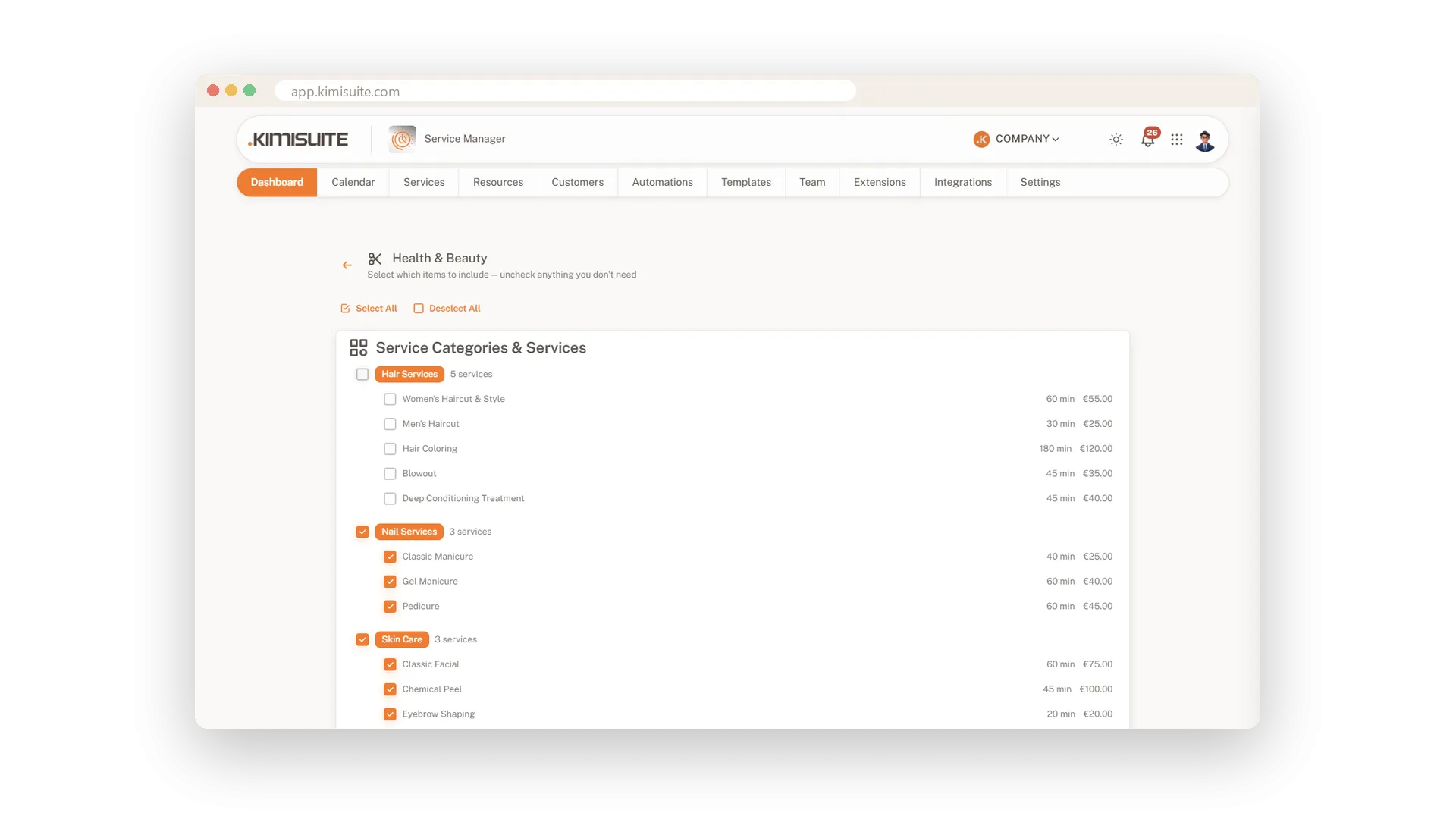
Switch whole pages off, so your team sees only what your business uses
Services ready for your industry
Categories, services and prices to start with
Pick your sector and see every suggested category, service, resource type and automation in one checklist. Untick what you do not offer, and the rest is set up for you.
Only the pages you need
Switch whole areas on or off
Calendar, bookings, services, resources, automations, contacts and templates: turn on what you use and hide the rest. You can change it any time in the settings.
Your business, presented properly
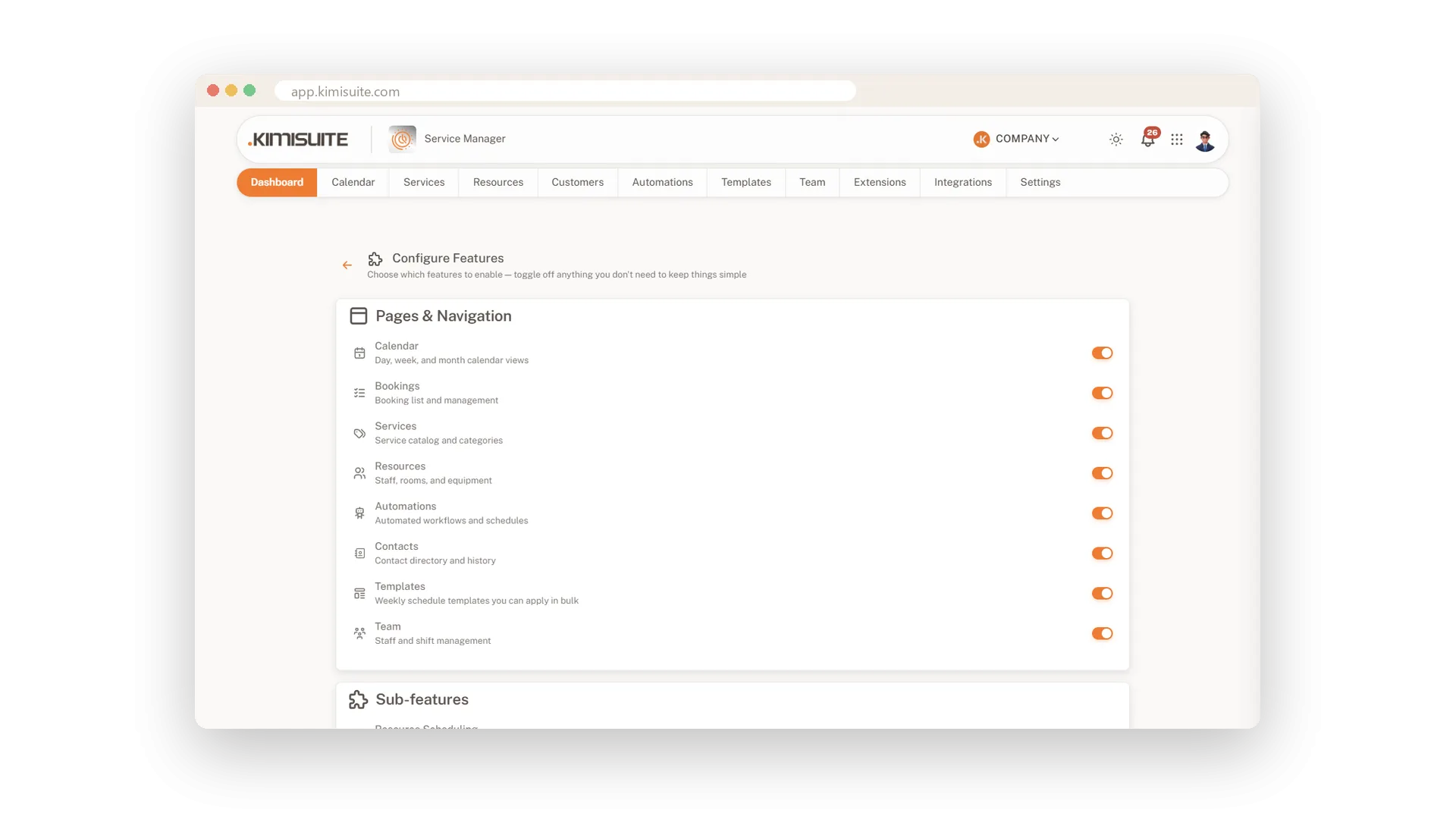
Logo, contact details and About text
Add your name, address, logo, phone, email, website and a short About text. Set your currency and time zone once, and the rest of the app follows them.
A booking form that fits your business
Step-by-step wizard or one single form
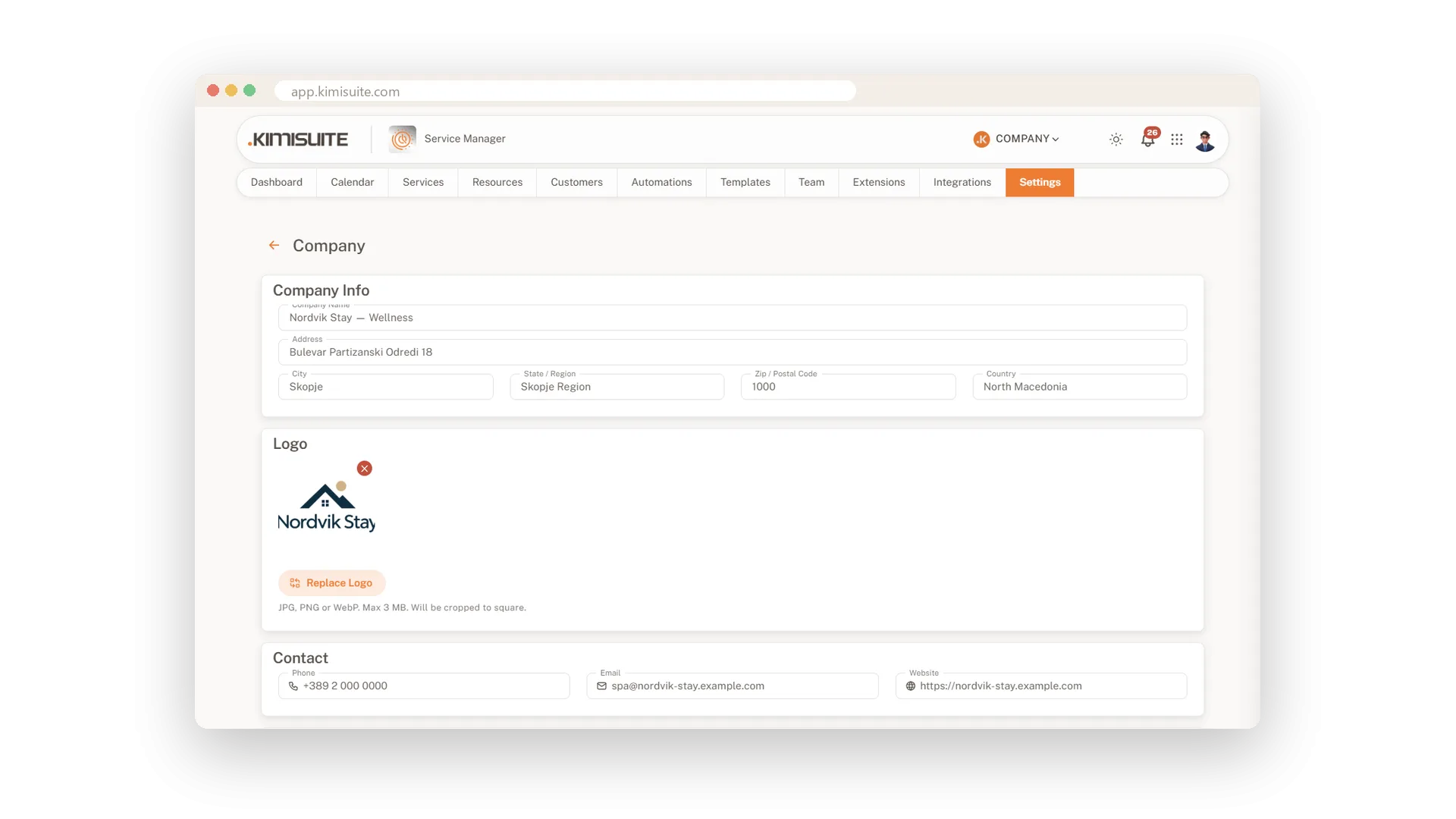
Choose whether clients book in steps or on one form. Decide whether a client record is required and whether you ask for a guest name and the number of people.
Use Cases
A beauty studio on its first day
You choose Health & Beauty, keep nails and skin care and untick hair. Your services, prices and durations are ready before lunch.
Only what you need
You never use automations. You switch the page off, and the menu stays short and clear for everyone.
Your logo everywhere
You upload your logo and fill in the About text once. The booking page shows both straight away.
FAQ
Try Service Manager today
Online booking, calendar and scheduling for service businesses
14 days free, cancel anytime, no minimum term.
