 Part of Service Manager
 Every appointment in one calendar
Day, week, month, agenda or list, as you like
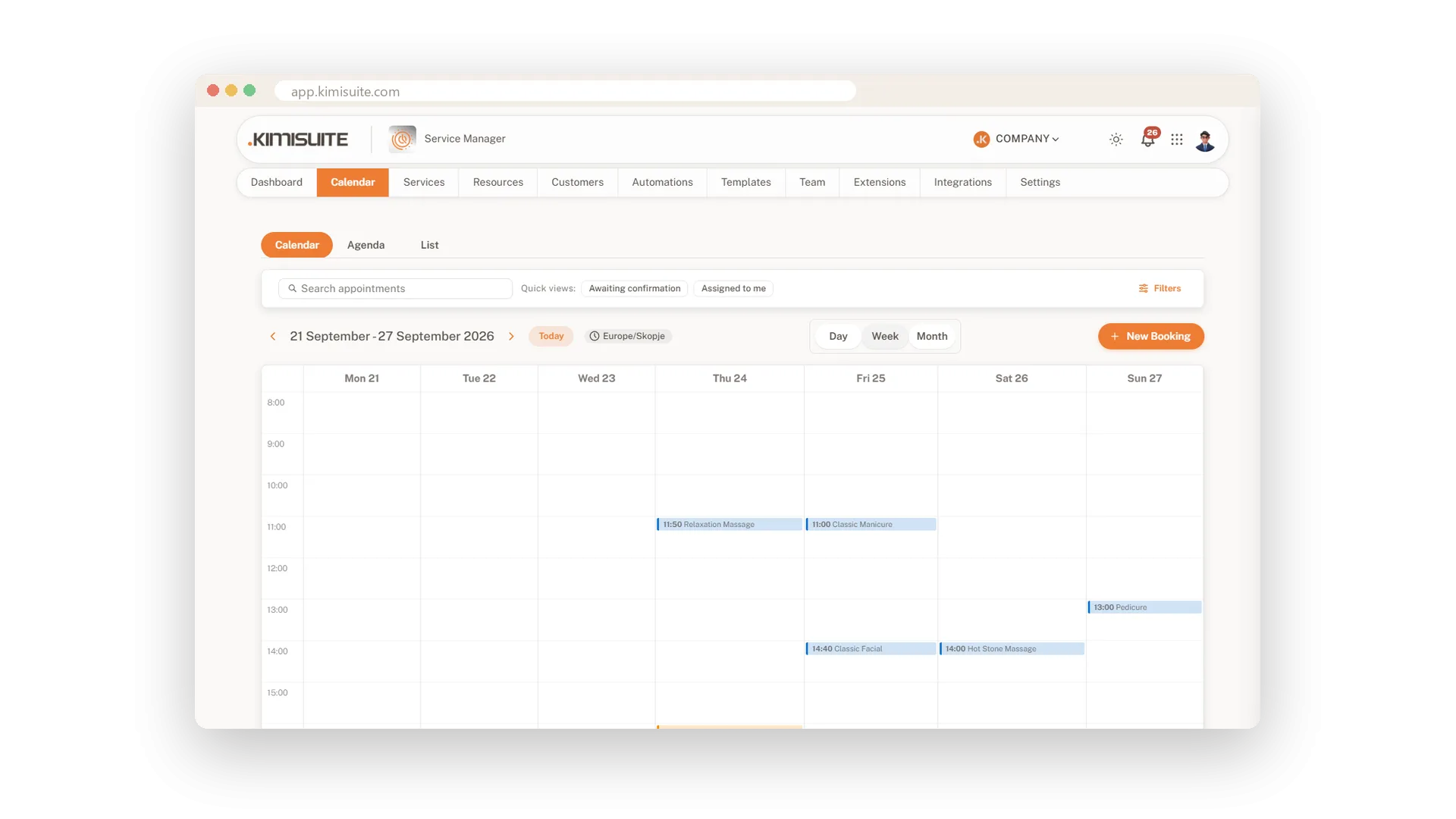
Open the calendar and you see who comes when. The grid follows your working hours, so there is no empty night to scroll through. Switch between day, week and month, jump back to today and start a new booking right from the calendar. Your time zone is shown at the top, so everyone reads the same clock.
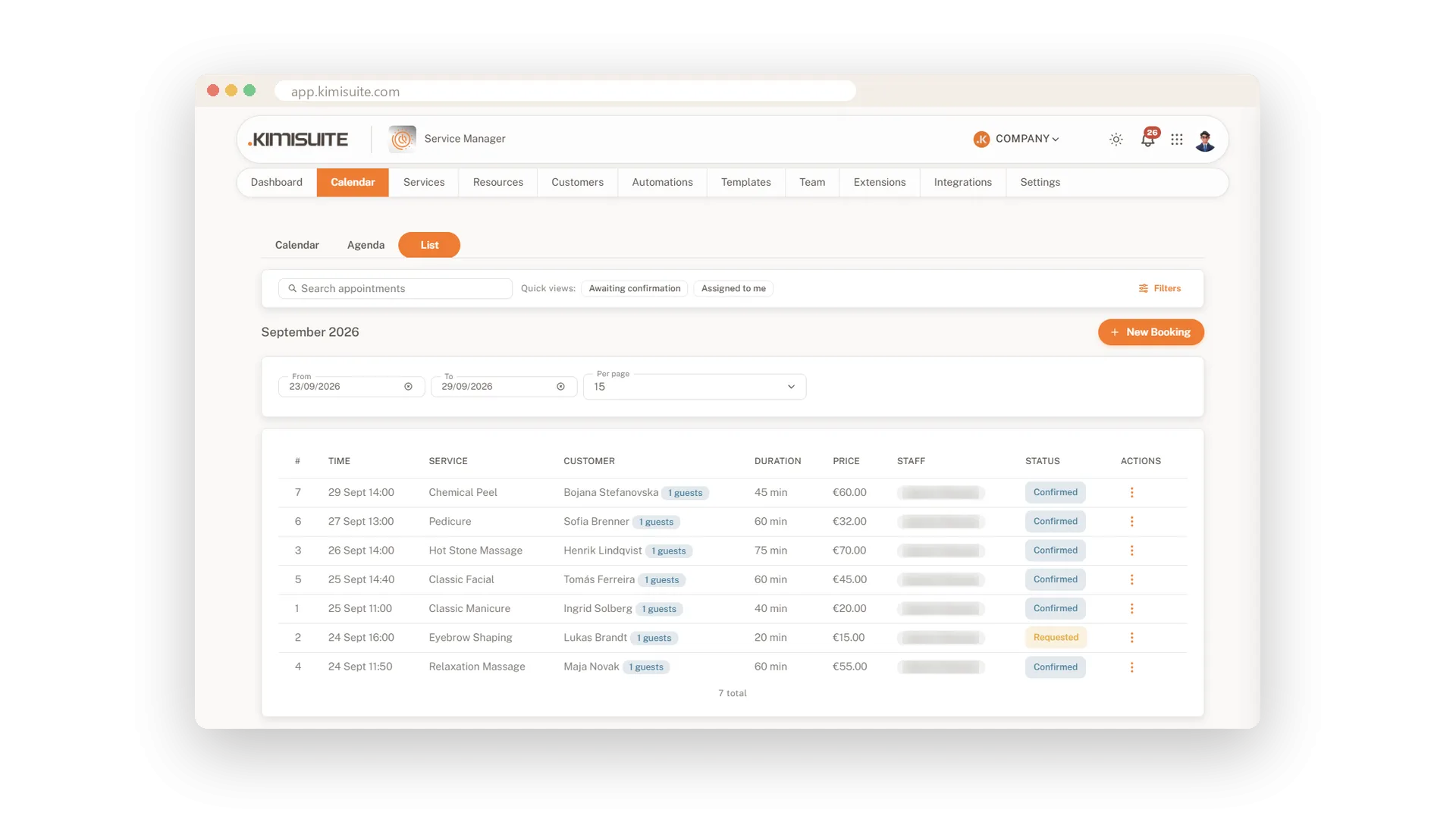
Some days a list works better than a grid. The agenda shows upcoming appointments grouped by date, with times and duration. The list view puts number, time, service, client, group size, duration, price, staff and status into one table for any date range. Quick views show what awaits confirmation or what is assigned to you, and search finds any booking in seconds.
Key Benefits
Day, week and month views that follow your working hours
An agenda grouped by date for a calm look at what comes next
A booking table with price and status, filtered by any date range
Quick views for bookings awaiting confirmation or assigned to you
A calm view of one busy day
Hour by hour, only your working hours
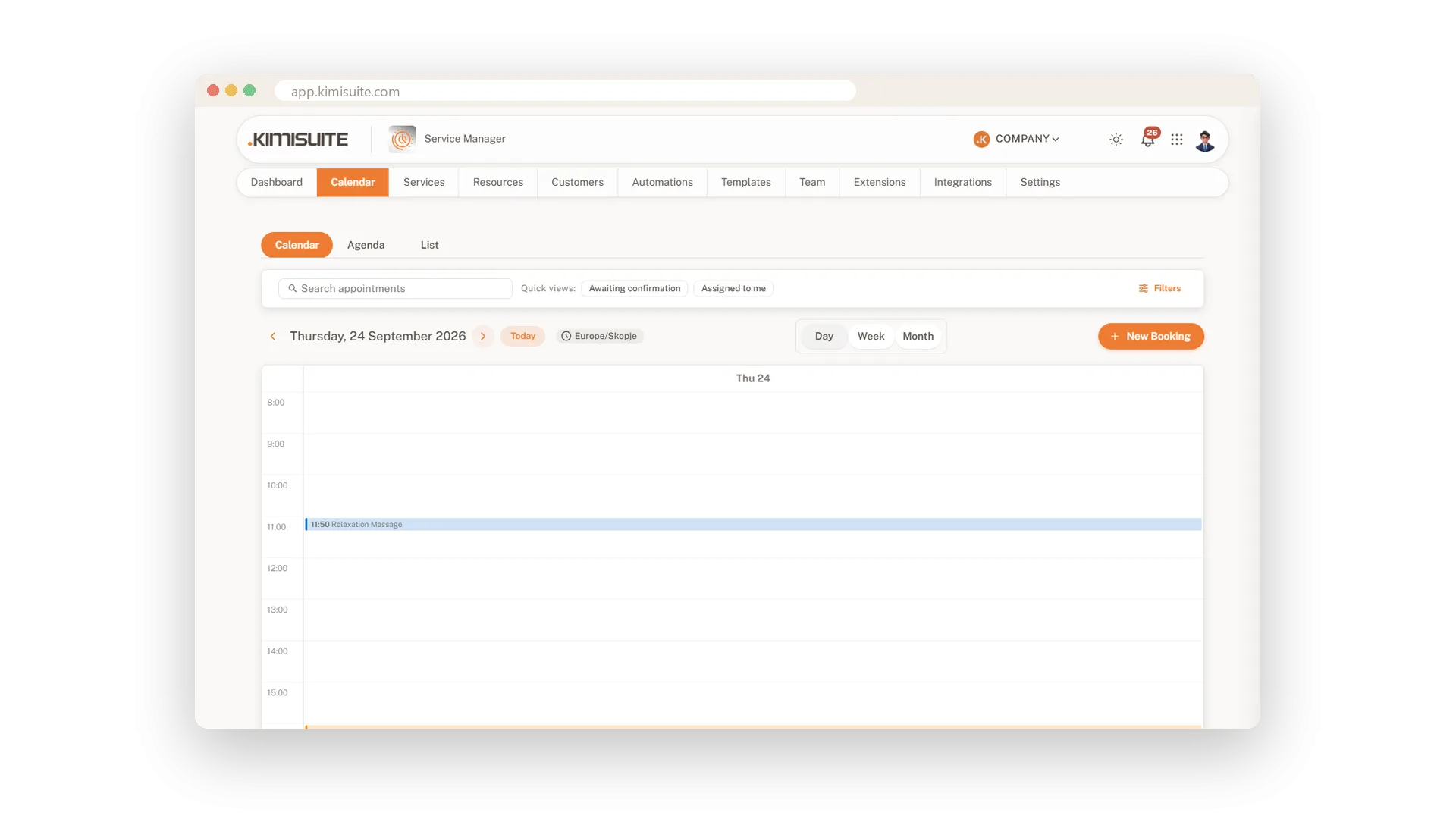
The day view lays out every appointment hour by hour, from opening to closing time. It is the view for the front desk: who is next, and where is there still room.
The whole month in one grid
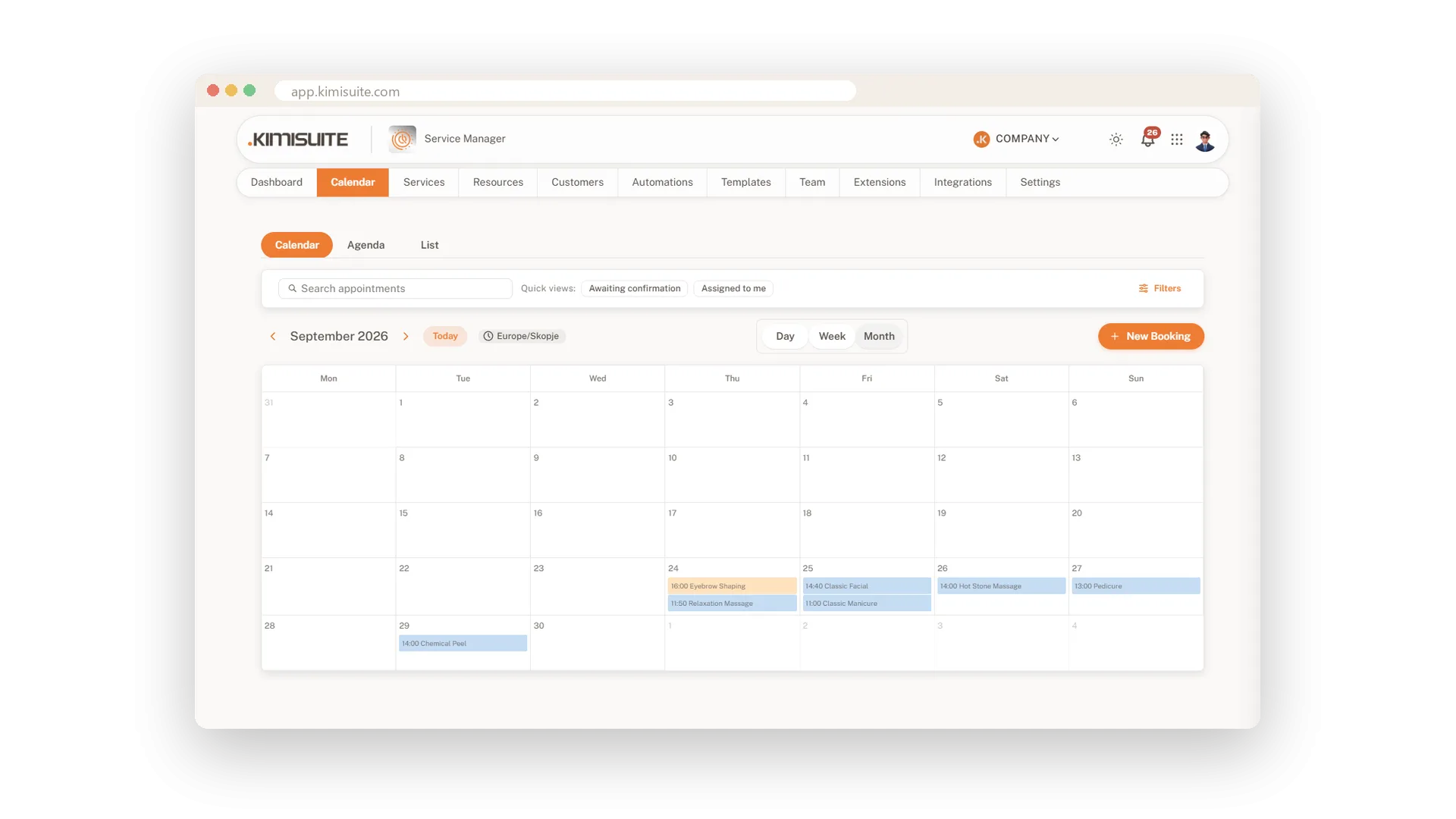
See busy weeks and quiet days at a glance
Plan ahead with the month view. Busy days and quiet stretches stand out immediately, and you move from month to month with one click.
An agenda for what comes next
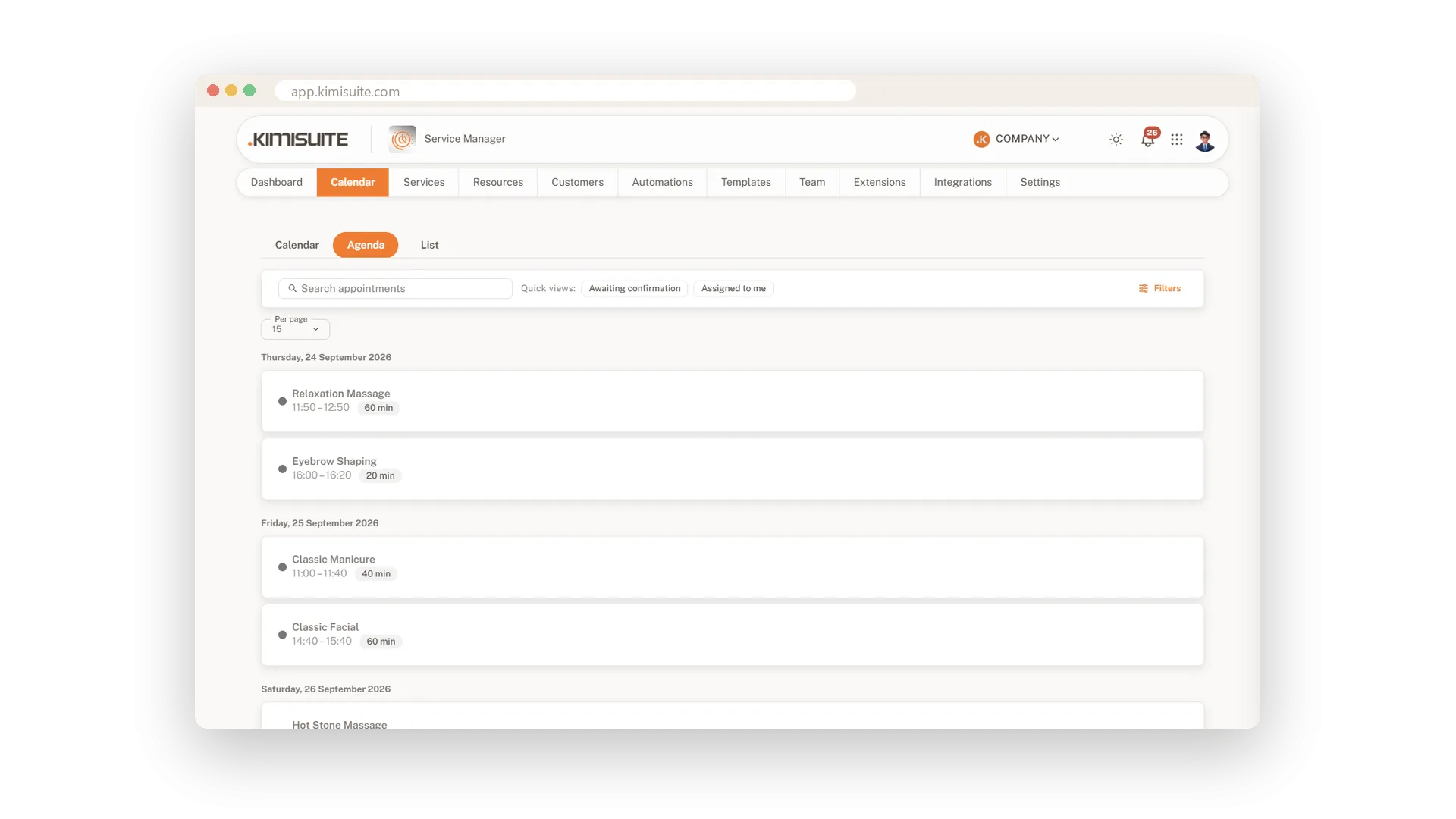
Upcoming appointments, grouped by date
The agenda lists your upcoming appointments by date, with start time and length. Read it top to bottom and you know how the next days look.
All bookings in one table
Price, status and staff for any date range
The list view shows number, time, service, client, group size, duration, price, staff and status side by side. Choose a date range and you have a clean overview for the week or the month.
Use Cases
The Monday morning check
You open the week view with your coffee. In one look you see which days are full and where a gap still needs filling.
A client calls to move
You search her name, open the booking and pick a new slot. The calendar shows the change right away.
Month end with the numbers
You set the list to last month and read service, price and status line by line. No spreadsheet needed.
FAQ
Try Service Manager today
Online booking, calendar and scheduling for service businesses
14 days free, cancel anytime, no minimum term.
