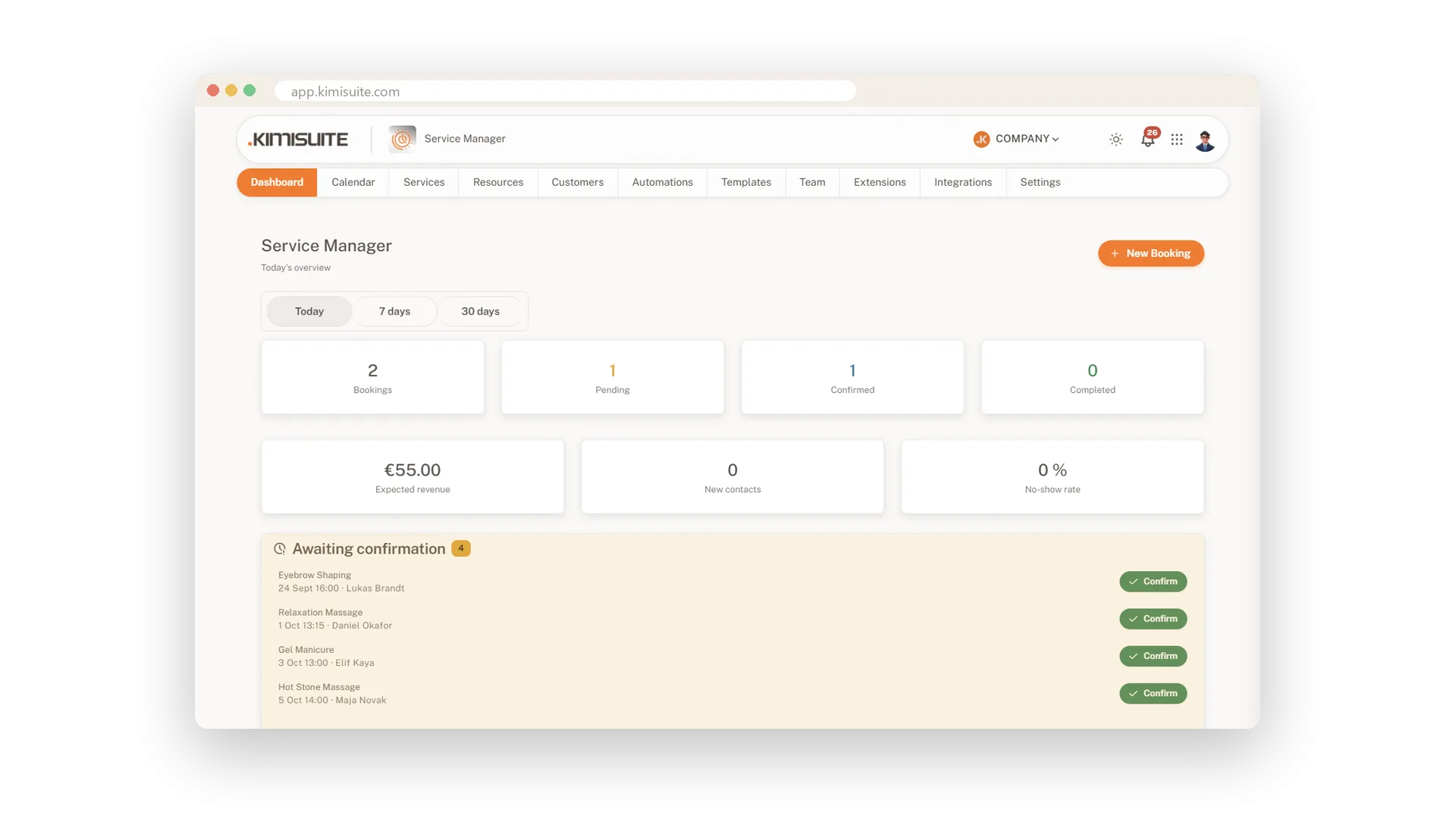
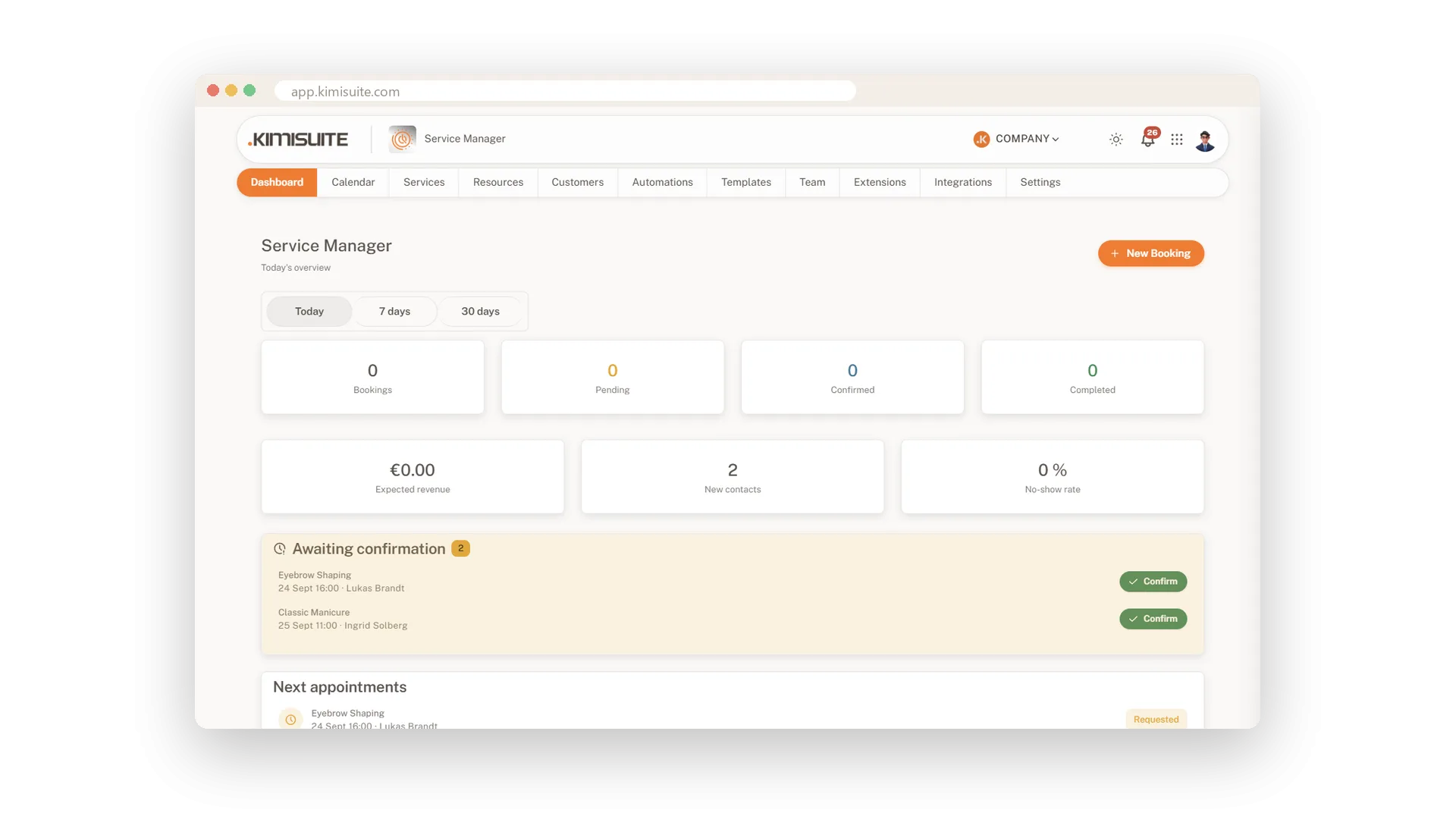
Open Service Manager in the morning and the dashboard tells you how things stand. Tiles show bookings, pending and confirmed appointments, completed work, expected revenue, new contacts and your no-show rate. Below them you find the next appointments and every booking still awaiting your confirmation, each with its own Confirm button.
If you like to check each booking yourself, leave auto-confirm off. New requests then wait on the dashboard until you confirm them with one click. The New Booking button is always at hand, and the whole app works in the phone layout of your KIMISUITE workspace, so you can confirm a request between two clients.
Key Benefits
Bookings, revenue, new contacts and no-show rate at the top of the page
Requests awaiting confirmation, each with its own one-click Confirm button
The next appointments in a list, with a New Booking button close by
Works on your phone, so you can confirm a request between two clients
Approve bookings with one click
Requests wait until you confirm them
With auto-confirm off, every new booking arrives as a request and waits on your dashboard. One click on Confirm and it is set.
Your bookings in your pocket
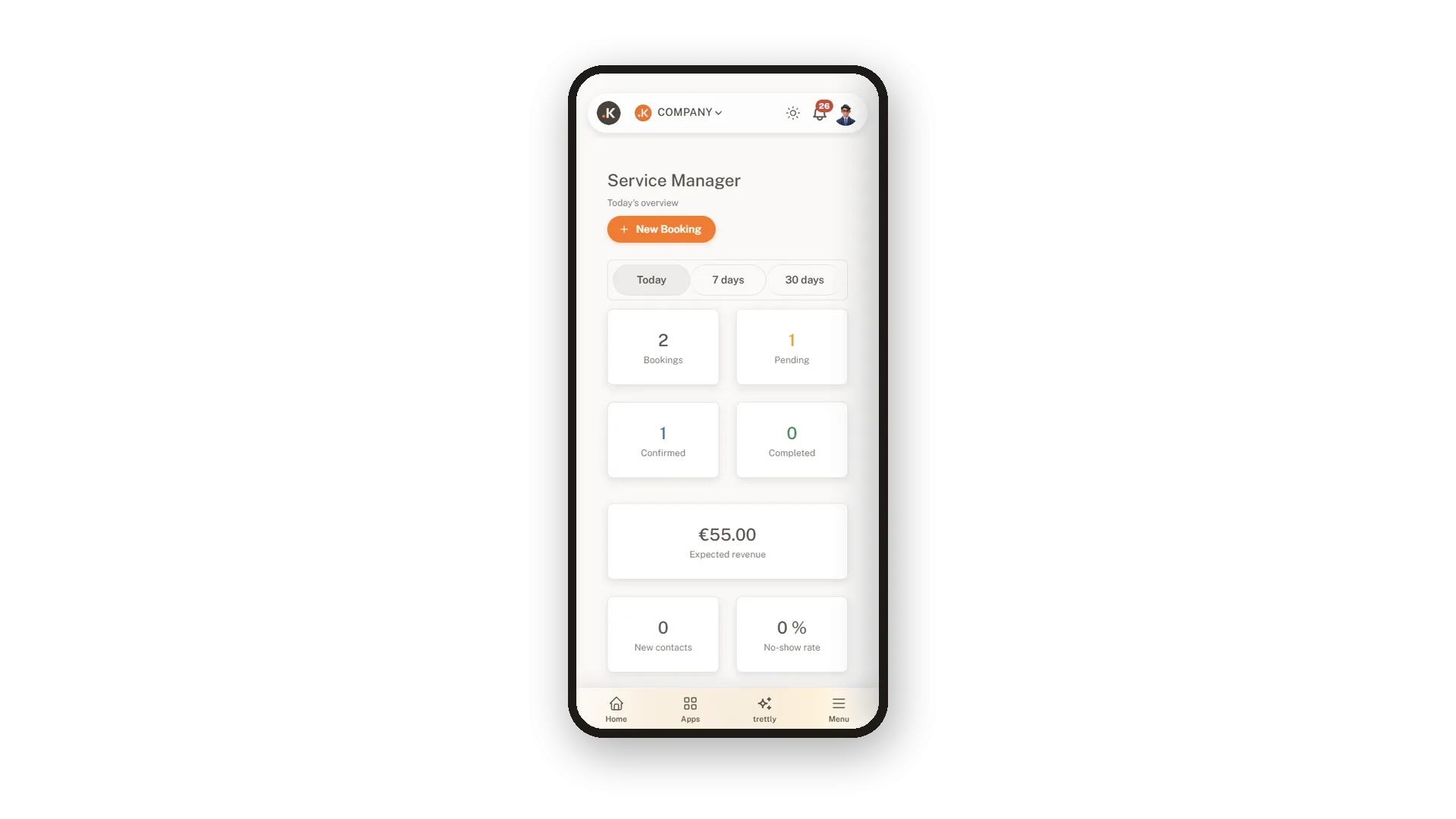
Check and confirm on your phone
Service Manager runs in the phone layout of your KIMISUITE workspace. See what is booked, confirm a request or start a booking wherever you are.
Use Cases
Coffee and the overview
You open the dashboard before the first client. Four requests are waiting, and you confirm them before the door opens.
Approve before you commit
A new online booking asks for your longest treatment. You check the day, then confirm it with one click.
On the move
You are at the supplier when a request comes in. You confirm it on your phone, and the client has her appointment.
FAQ

Try Service Manager today
Online booking, calendar and scheduling for service businesses
14 days free, cancel anytime, no minimum term.
