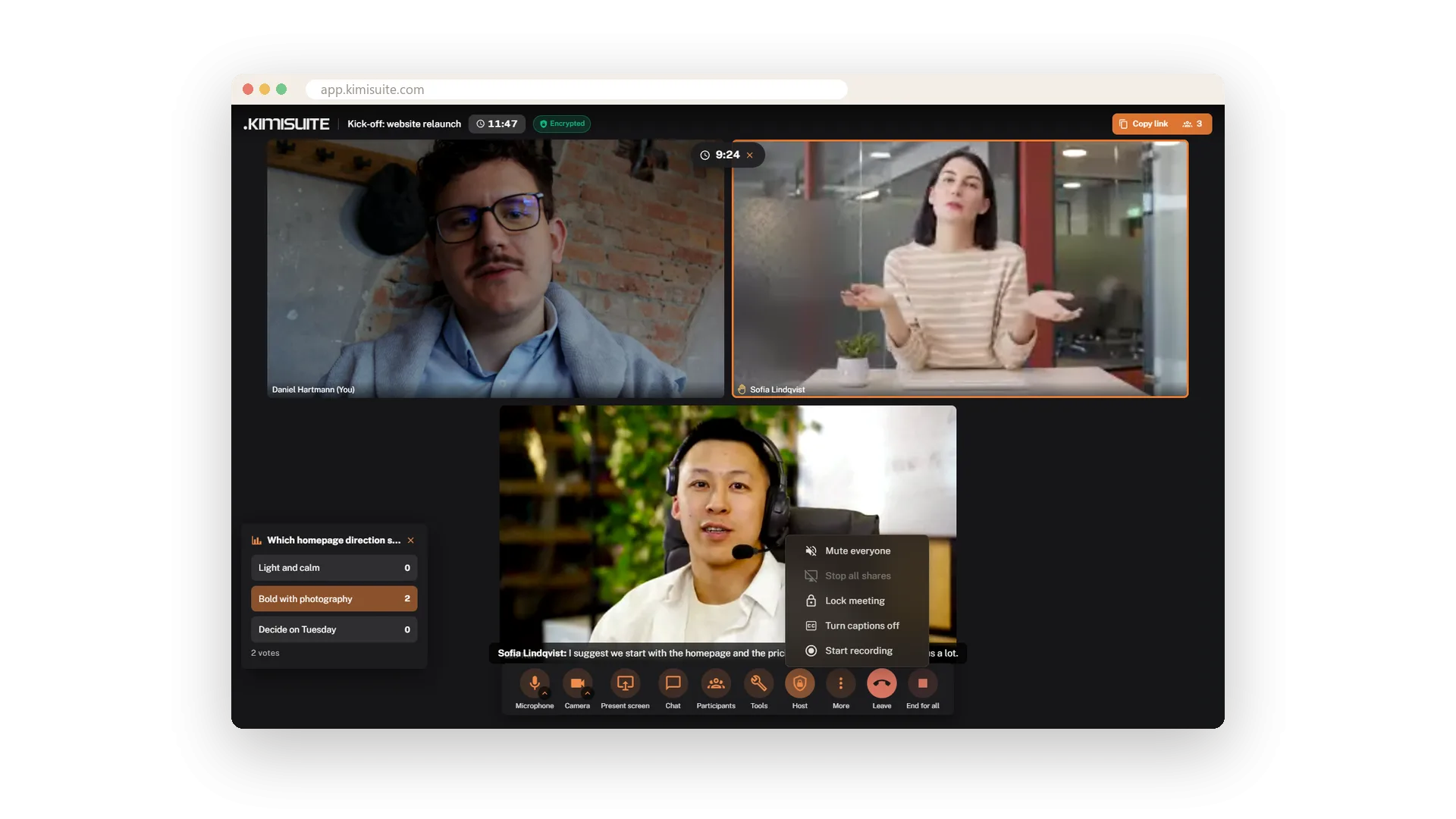
As the host you have the meeting in hand. One menu mutes everyone, stops all screen shares, turns captions on or off, starts the recording or locks the meeting - anyone arriving late then sees that it is locked. In the participants list you mute or remove a single person, and a removed guest is told so.
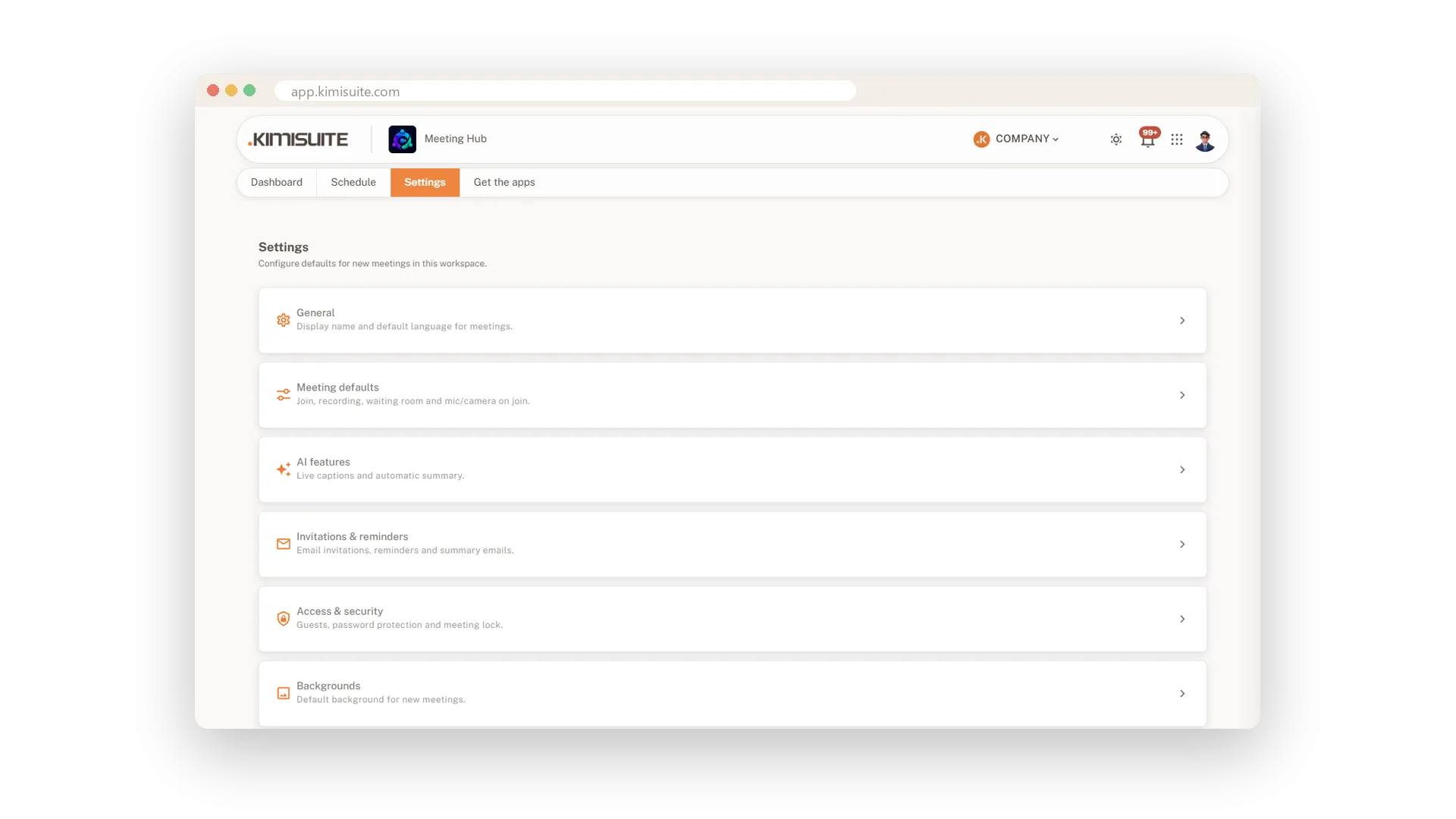
Every meeting is encrypted, on every plan, with no switch to turn it off. In the settings you set the rules once for the workspace: who may join, whether guests from outside are allowed at all, microphone and camera on joining, chat, reactions, recording and the waiting room. Your team hosts under their own names, and the roles in your workspace decide who may manage other people's meetings or change the settings.
Key Benefits
Mute everyone, stop all shares or lock the meeting from one host menu
Mute or remove a single person from the participants list
Every meeting encrypted, on every plan - there is no switch to turn it off
Workspace rules set once: who may join, guests, chat, recording, waiting room
Mute or remove one person
Right from the participants list
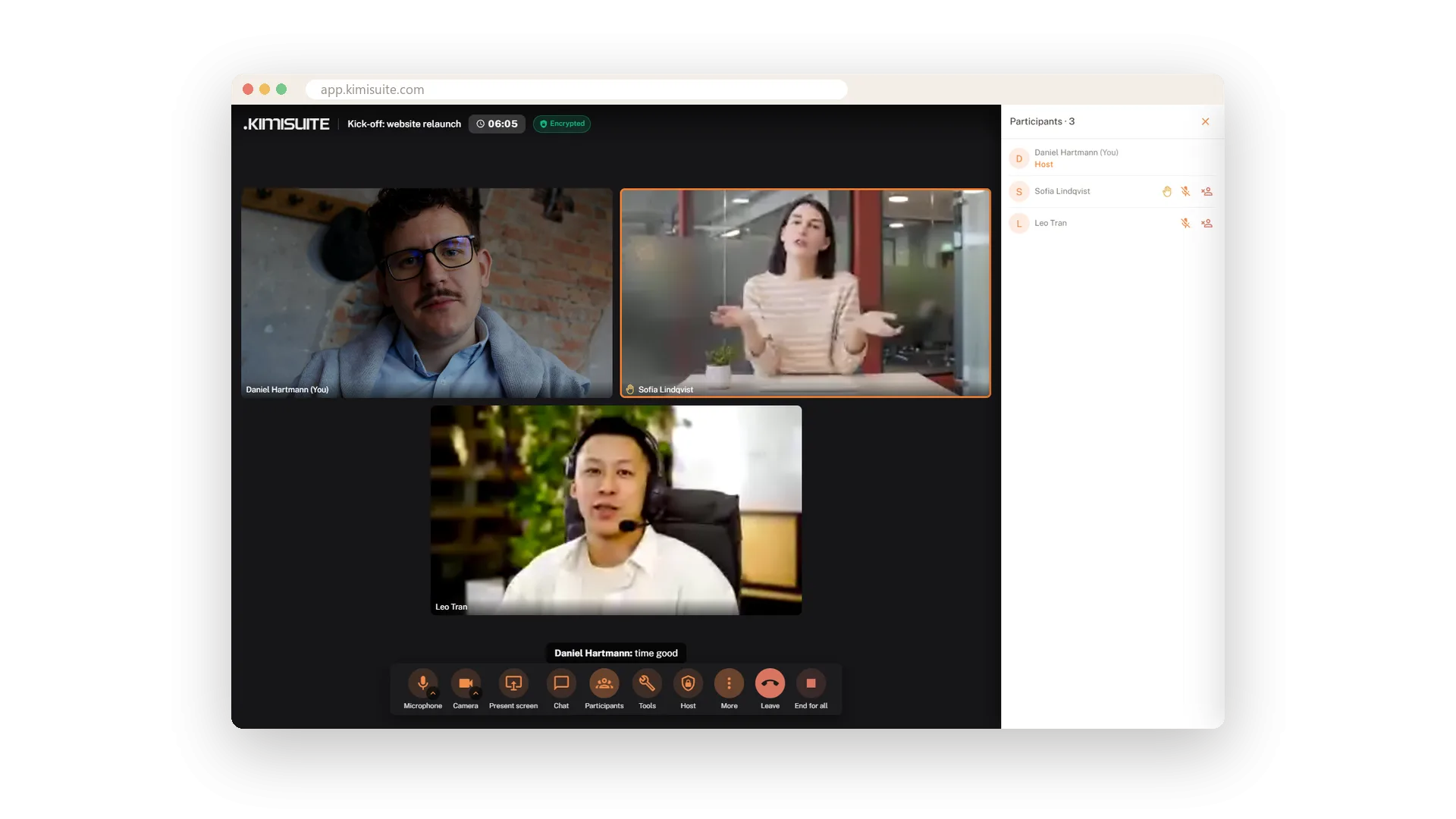
Open the participants list and every name has Mute and Remove next to it. A removed guest sees a clear notice that they have been removed - no confusion, no discussion. Raised hands show up in the same list.
Lock the meeting
Everyone is here - close the door
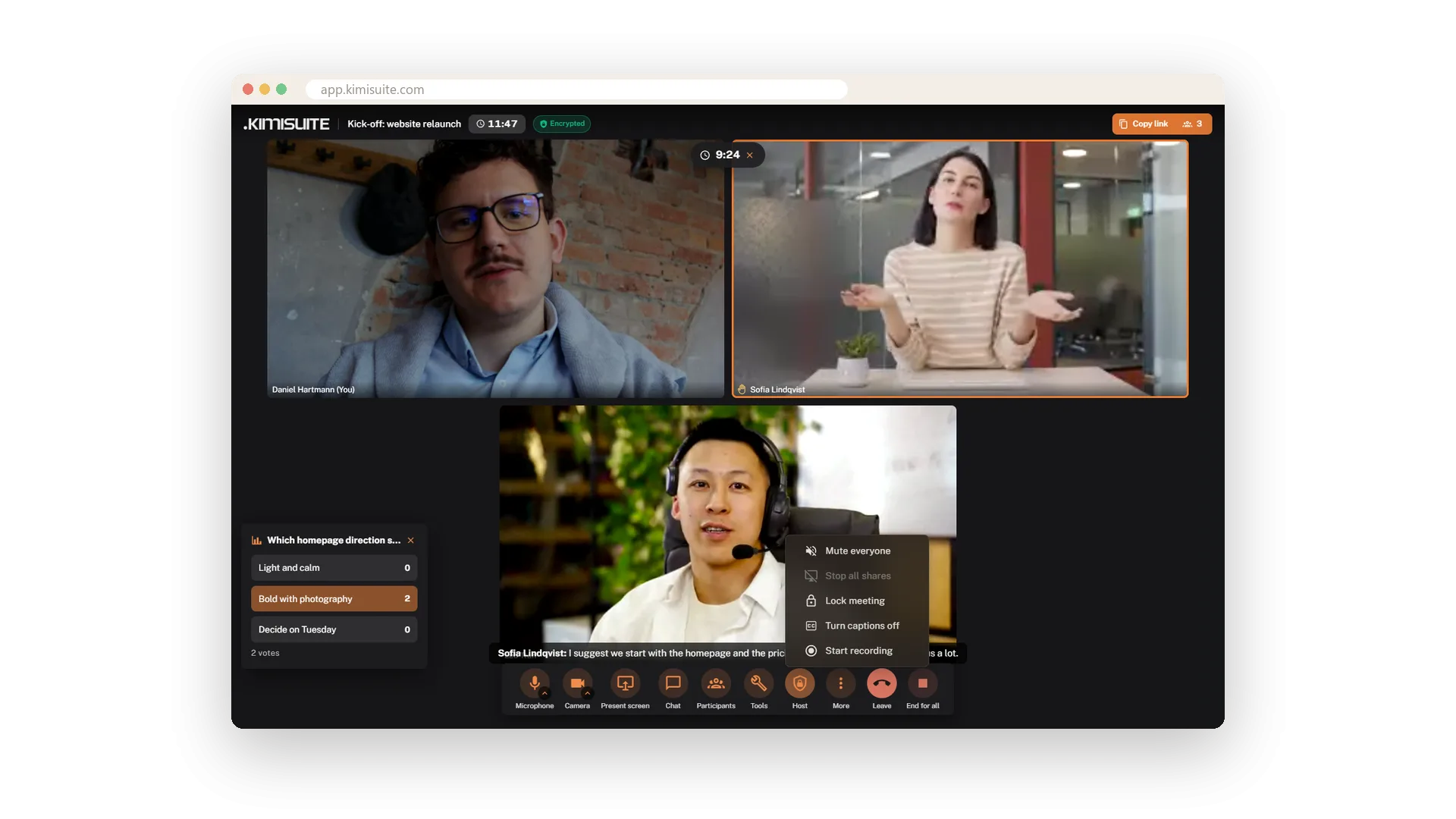
Once everyone is in, lock the meeting from the host menu. Anyone who tries to join afterwards sees that the host locked the meeting. The same menu mutes everyone and stops all screen shares at once.
Every meeting encrypted
On every plan, with no switch to forget
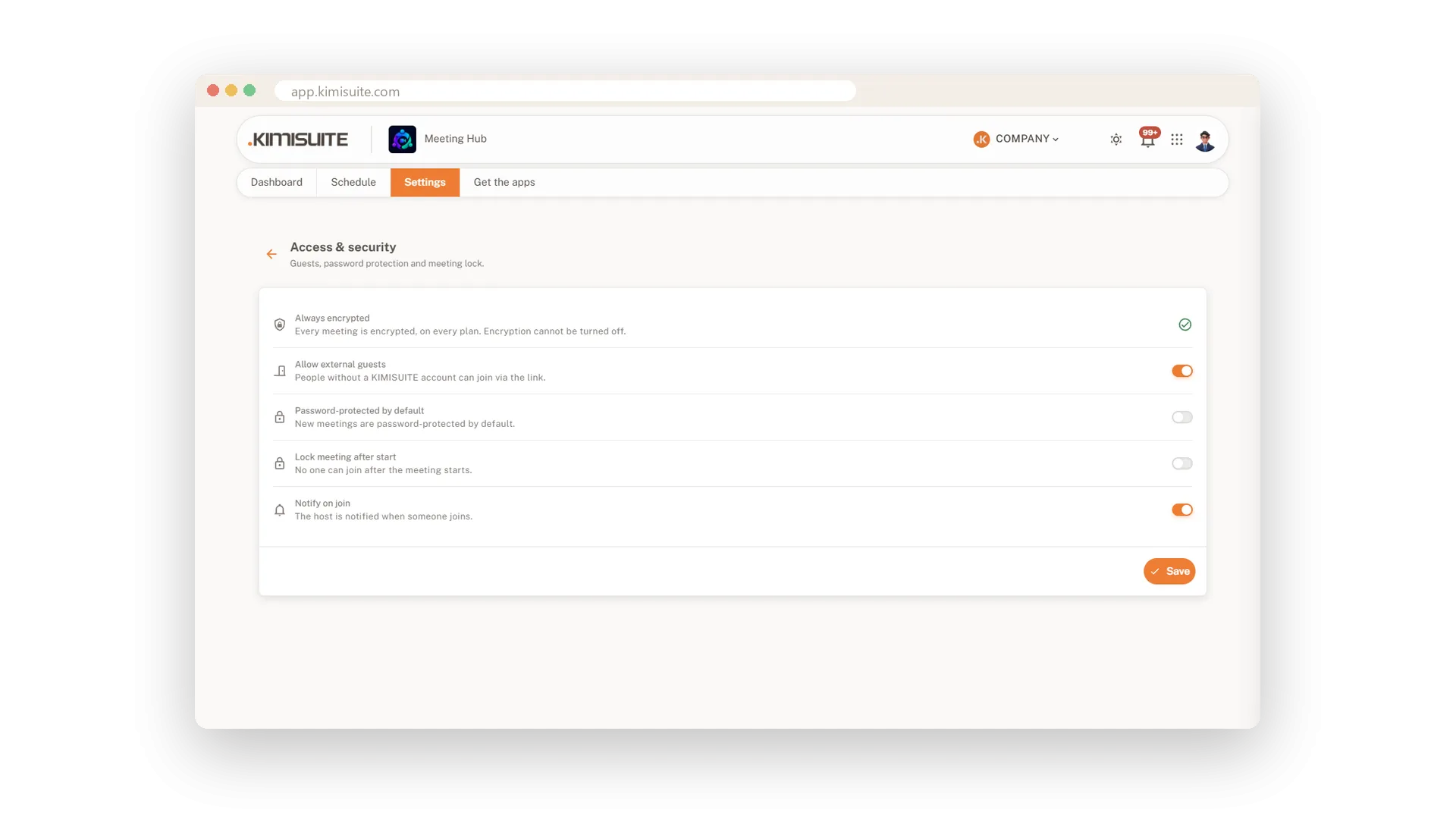
Encryption is not an option you have to remember - every meeting is encrypted, on every plan. In the access settings you also decide whether guests from outside may join at all.
Rules for the whole workspace
Set once, and every new meeting follows
Six sections of settings cover the defaults: display name and guest language, who may join, microphone and camera on joining, chat, reactions, recording and waiting room, AI features, invitations and reminders, access and backgrounds. Only the owner and the roles you choose may change them.
Use Cases
The uninvited visitor
A name you do not know turns up in the participants list. Remove, and they see that they have been removed - then lock the meeting so nobody else slips in.
The noisy all-hands
Forty people, one barking dog somewhere. Mute everyone from the host menu with one click and carry on.
Rules for the whole team
Set Knock to join and switch off external guests in the settings once. Every meeting your team plans from then on follows those rules.
FAQ

Try Meeting Hub today
Video meetings your guests join with one link - captions and AI notes included
14 days free, cancel anytime, no minimum term.