 Part of CRM Business Hub
 Products and services with your prices
Enter it once, pick it into every proposal and invoice
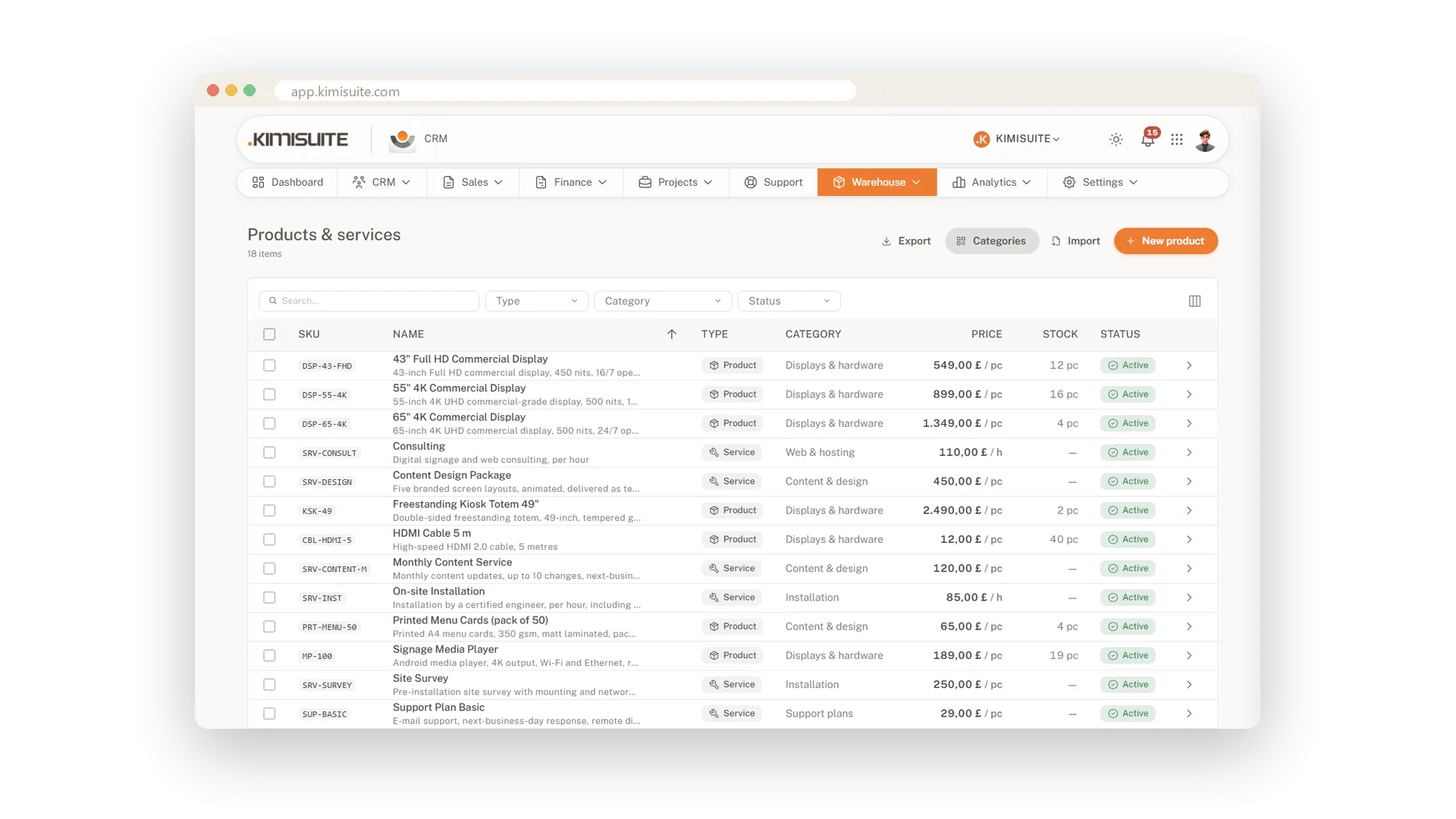
Every proposal and every invoice starts with the same question: what are you selling, and for how much? Keep the answer in one catalogue. Products and services sit side by side, each with its price, unit, tax rate and description. When you write a document, you search by name, SKU or barcode and the line fills itself in.
Setting it up is quick. The SKU comes from your own number range, the unit from eleven ready-made units, and the AI writes a product description if you are short on words. Add variants with their own SKU and price, keep price lists for each customer group, and enter prices net or gross - whatever your customers are used to seeing.
Key Benefits
Search by name, SKU or barcode in the editor - the line brings its price, unit and tax
Sales and purchase price on every item, so you see your margin on the product page
Variants with their own SKU and price, instead of ten near-identical products
Price lists per customer group and currency, with tiered prices from a minimum quantity
Variants with their own SKU and price
One product, every size and colour
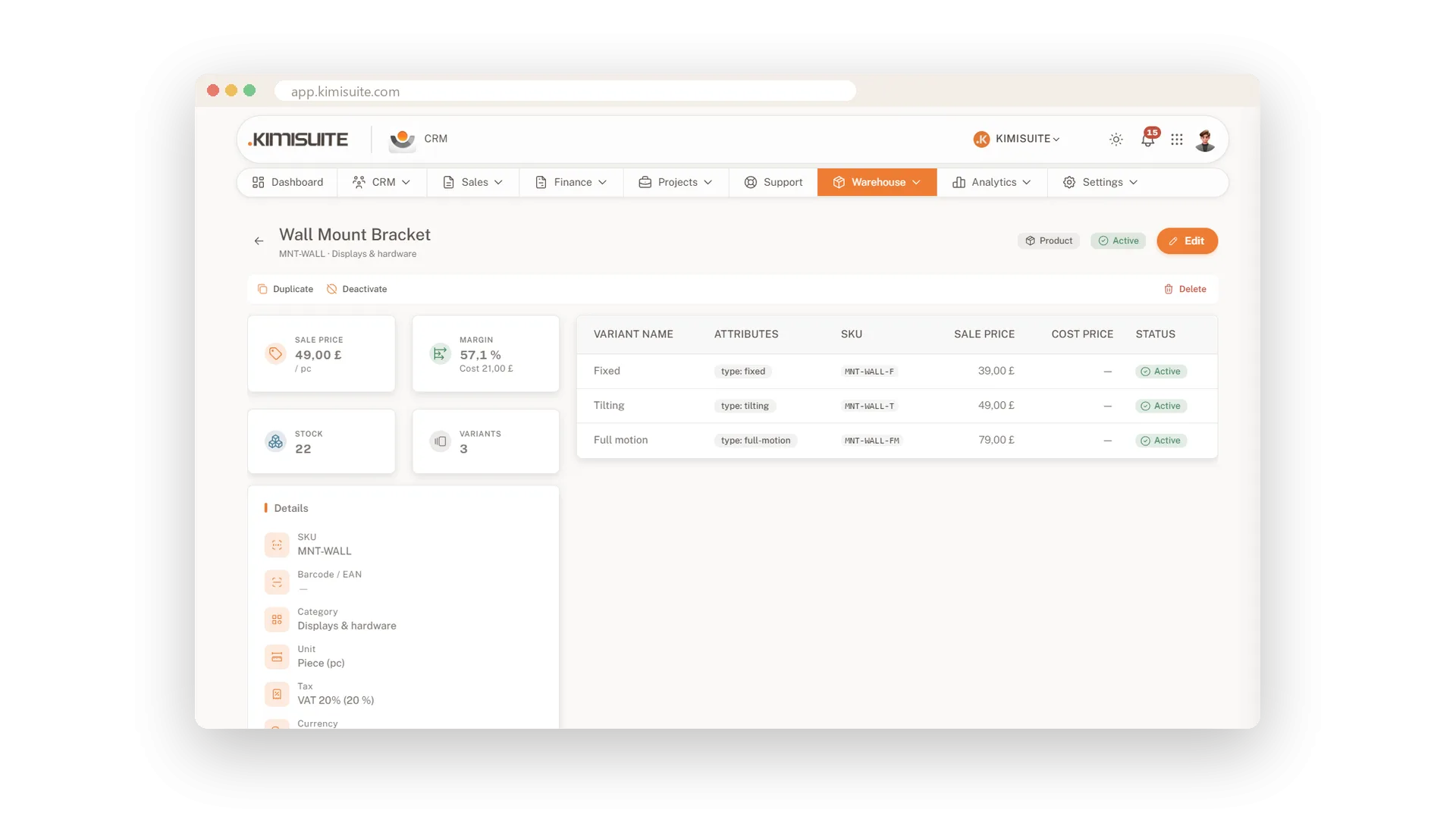
Sizes, colours, versions - add them as variants of one product instead of creating ten separate items. Each variant keeps its own SKU and its own price, and the product page shows them together.
Set up attributes such as size and colour once and save them as a variant template. Apply it to a product and every combination is there in one step: six sizes in four colours make 24 variants, each with a SKU built from the product's own. Add the free Product & category images extension and every variant gets its own photo.
Price lists per customer group
Trade, retail or partner prices, kept apart
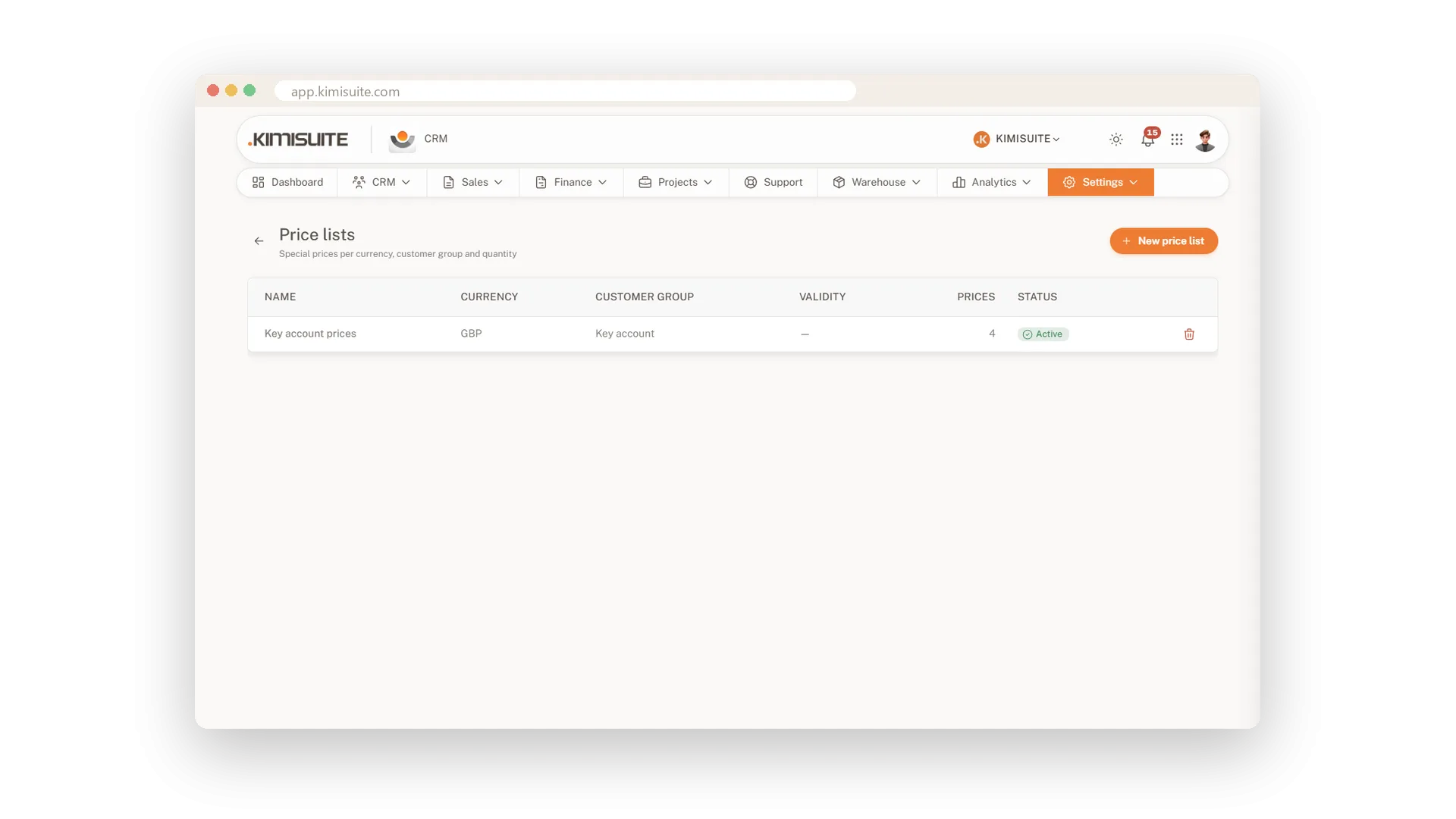
Give each customer group its own prices in its own currency. Add tiered prices that start at a minimum quantity, so larger orders get a better rate without you working it out every time.
Tax rates, exemptions and gross prices
Set your taxes once, every line is right
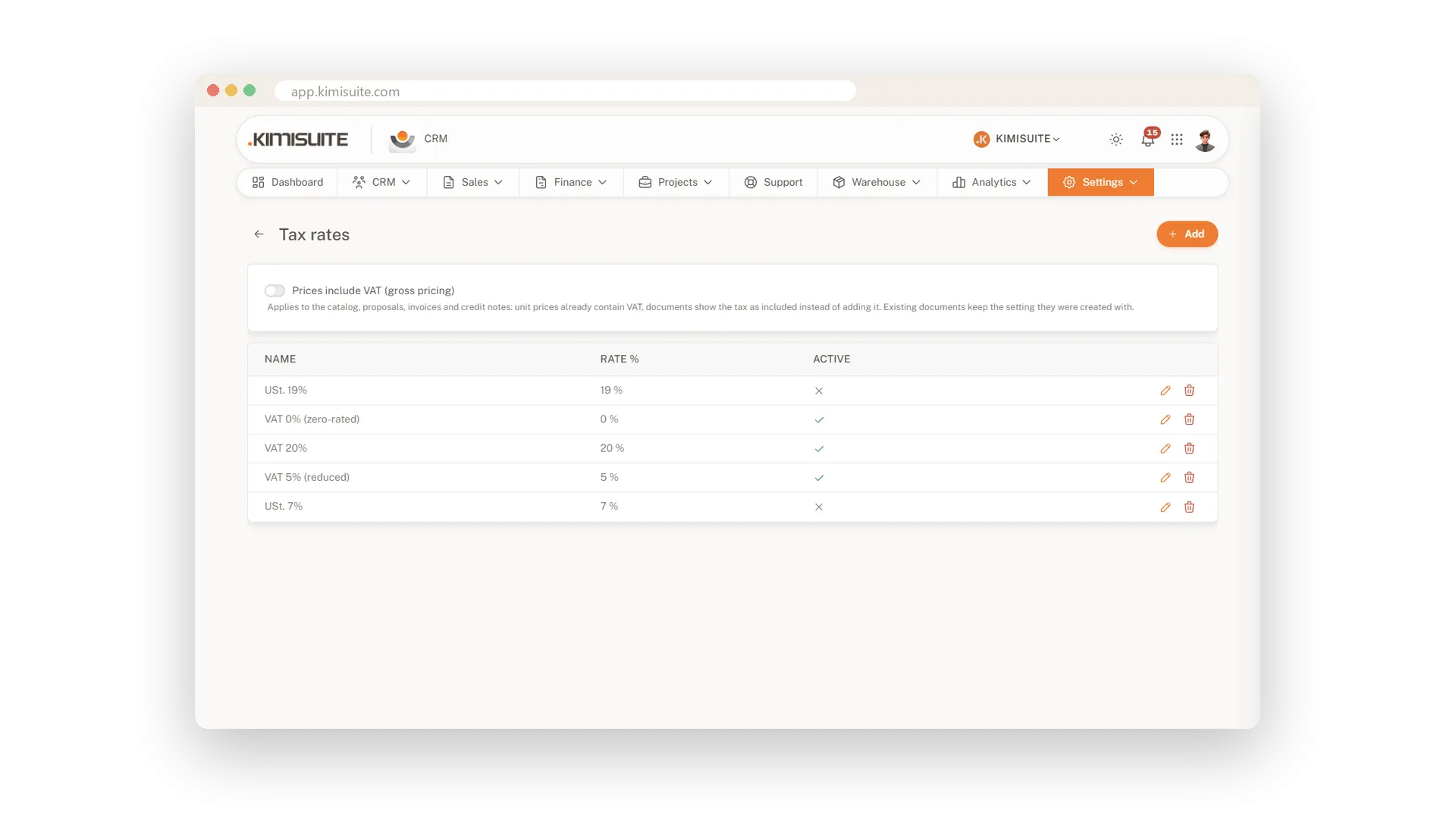
Enter your tax rates once and every item and document line picks the right one. A second tax is there when you need it, exemption reasons for tax-free sales, and a switch lets you enter all prices including VAT. Not registered for VAT? Set your company to exempt and every invoice carries the right note for your country, on the PDF, the invoice page and the e-invoice.
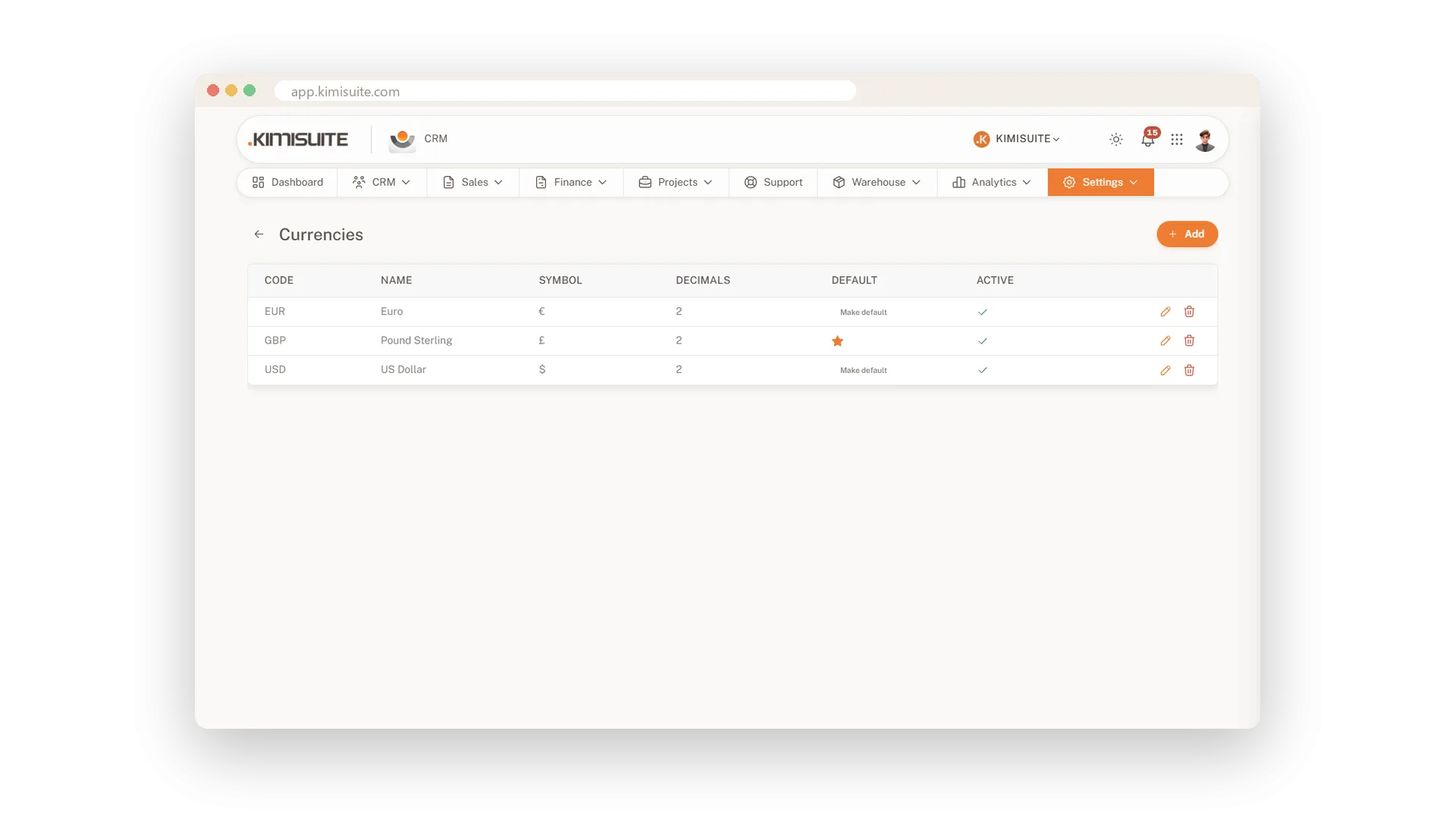
Several currencies
Invoice each customer in the currency they pay in
Set up every currency you work with - symbol, decimals and where the symbol sits. Give each customer a currency, and their proposals, invoices and price lists follow it.
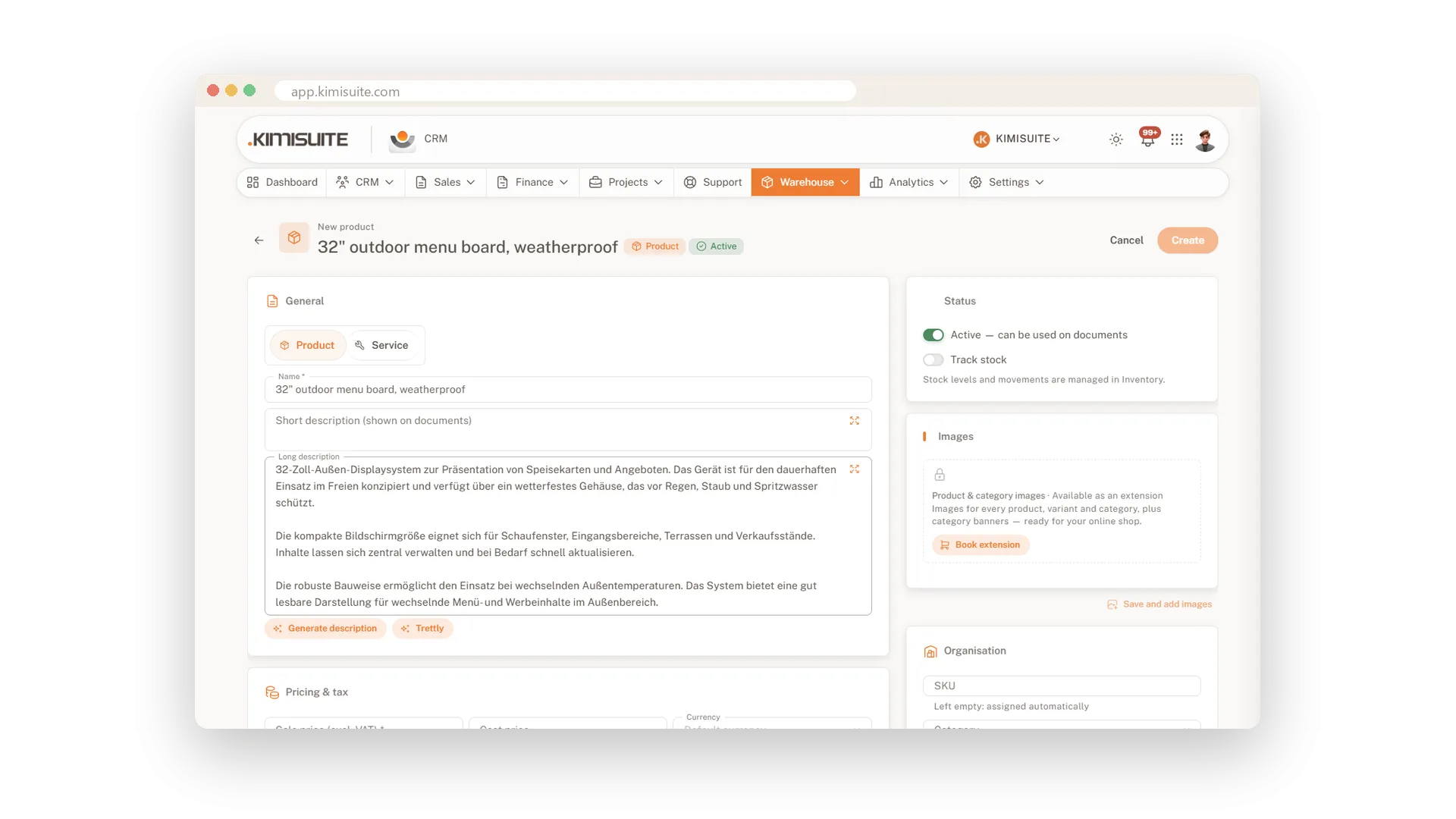
Product texts written for you
Short and long descriptions by AI
Let the AI write the short and long description of a product from its name and a few words. Edit what you like, and it is ready for every proposal.
Use Cases
One shirt, three sizes
Create the product once and add S, M and L as variants. Each size keeps its own SKU and price, and the catalogue stays short.
The trade price
Your resellers buy in larger quantities. A price list for their customer group holds their prices, with a lower rate from ten pieces up.
Services, too
Your hourly rate, a setup fee and a yearly maintenance package live next to your products. Every proposal picks them from the same list.
FAQ
Try CRM Business Hub today
From first lead to paid invoice in one app
14 days free, cancel anytime, no minimum term.
