 Part of CRM Business Hub
 Stock, warehouses and purchase orders
Know what is on the shelf and what is on its way
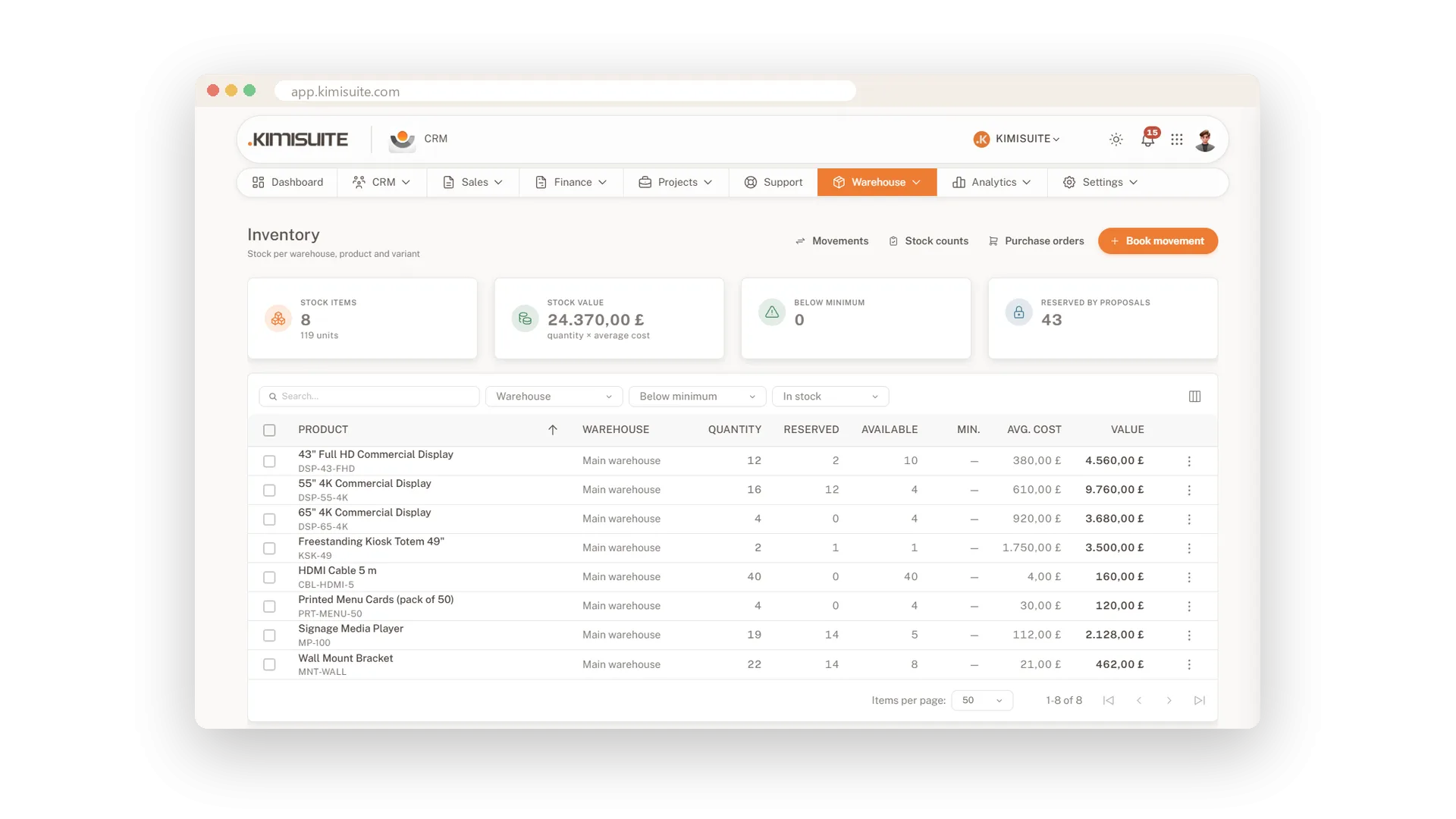
When stock lives in a spreadsheet, you learn it has run out when a customer asks. In the CRM, every product you track shows its quantity per warehouse, what open proposals have reserved and what is really available. Set a minimum per item and you spot what needs reordering. The average purchase price gives you the value of your stock at any moment.
Stock moves because work happens, and the CRM keeps up. Book goods in, goods out and shrinkage, and every movement lands in a journal. Order from your suppliers with a purchase order, receive the goods in full or in parts, and turn the order into a supplier bill. Several warehouses, product variants and stock counts are all part of it.
Key Benefits
Quantity, reserved and available stock per warehouse, product and variant
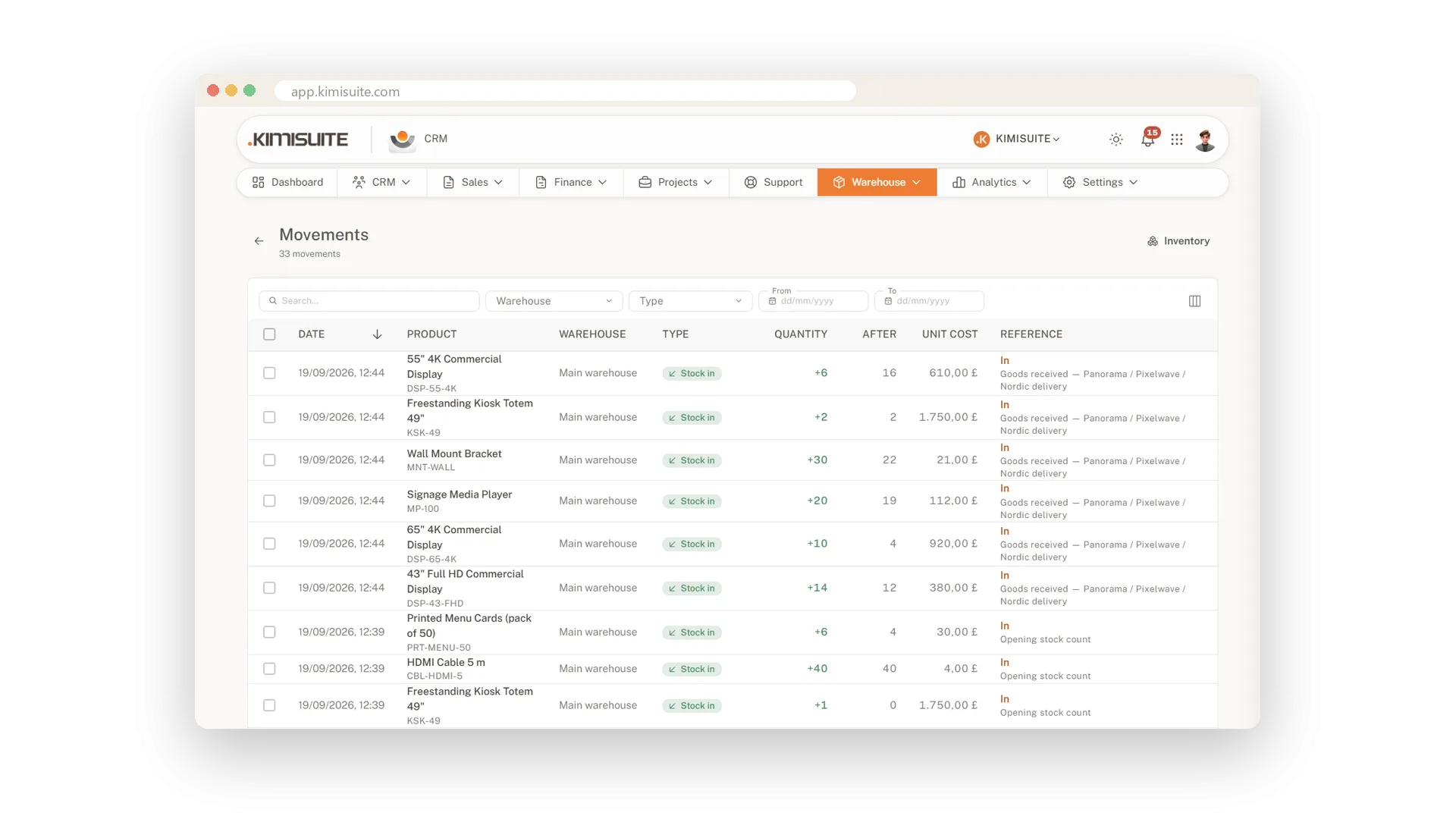
Every receipt, issue and shrinkage booked in one movement journal
Stock counts with their own numbers bring the figures back in line with the shelf
Purchase orders received in full or in parts, then turned into a supplier bill
Every stock movement in a journal
Goods in, goods out and shrinkage, all on record
Book a delivery in, an item out or a broken one as shrinkage, and the stock figure follows. The journal keeps every movement, so when a number looks odd you see exactly where it came from.
Stock counts
Bring the figures back in line with the shelf
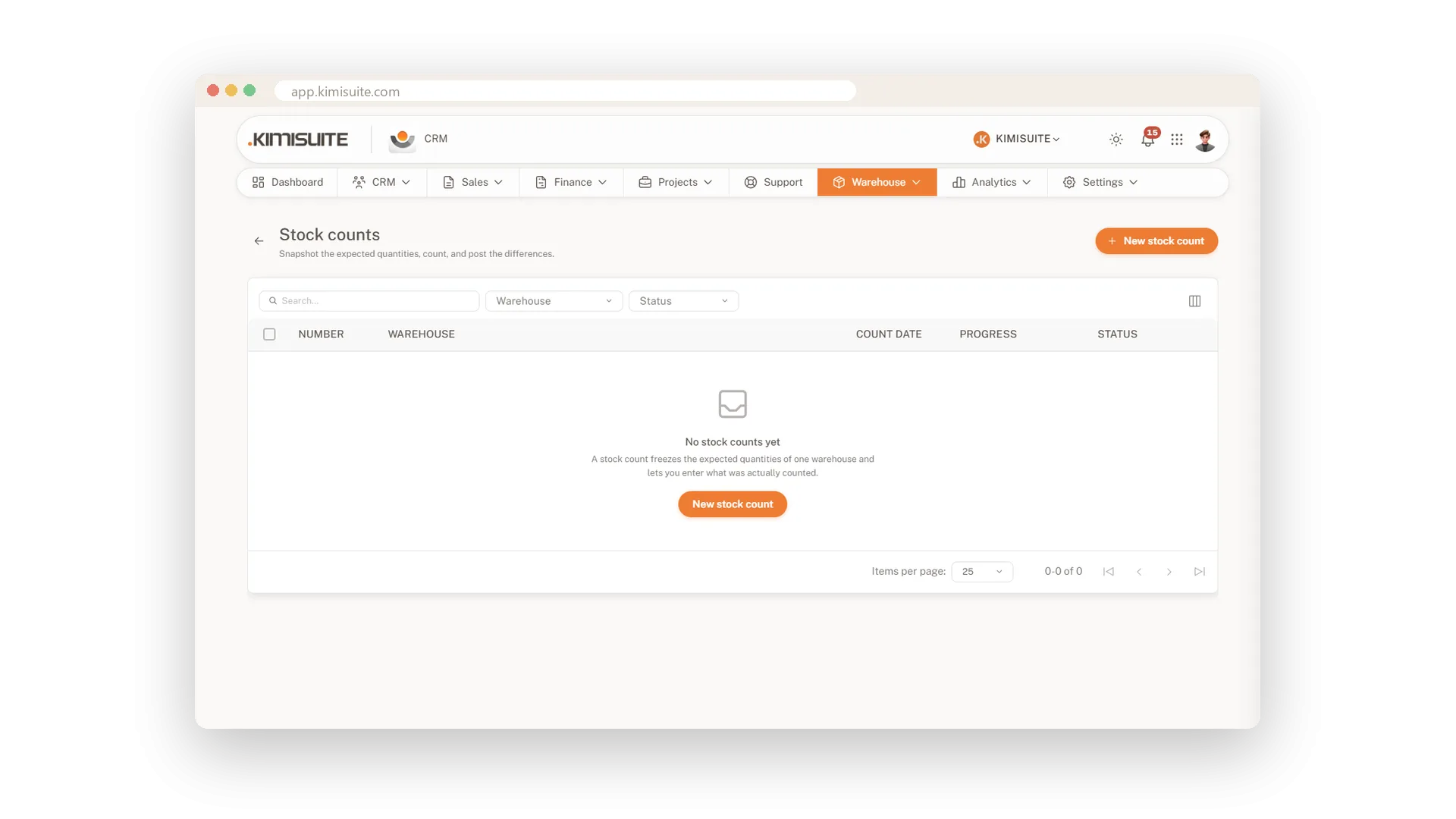
Count what is really on the shelves and record it as a stock count. Each count gets its own number, so you can always look back at when you counted and what you found.
Purchase orders to your suppliers
Order with a date and track what is still out
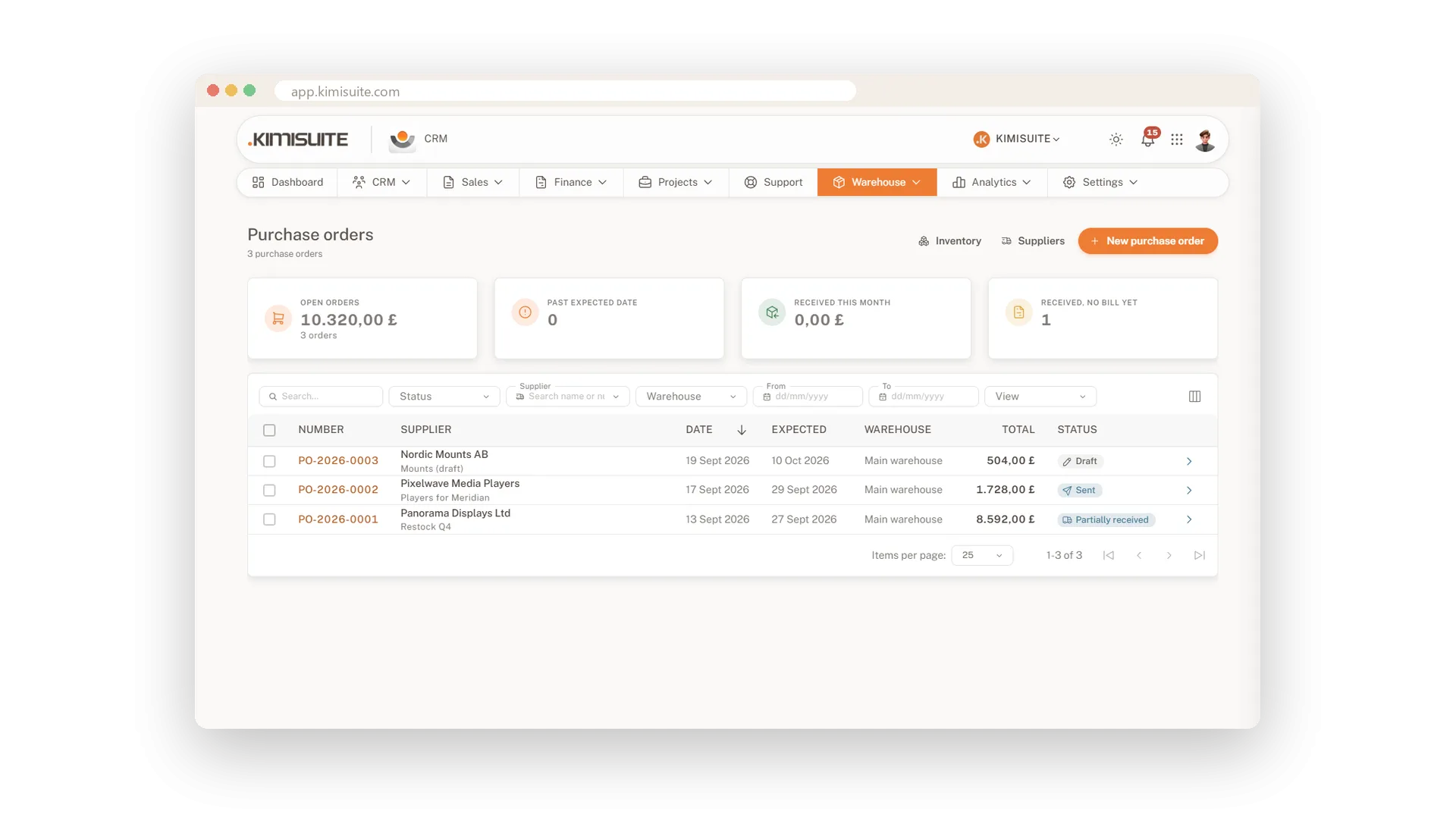
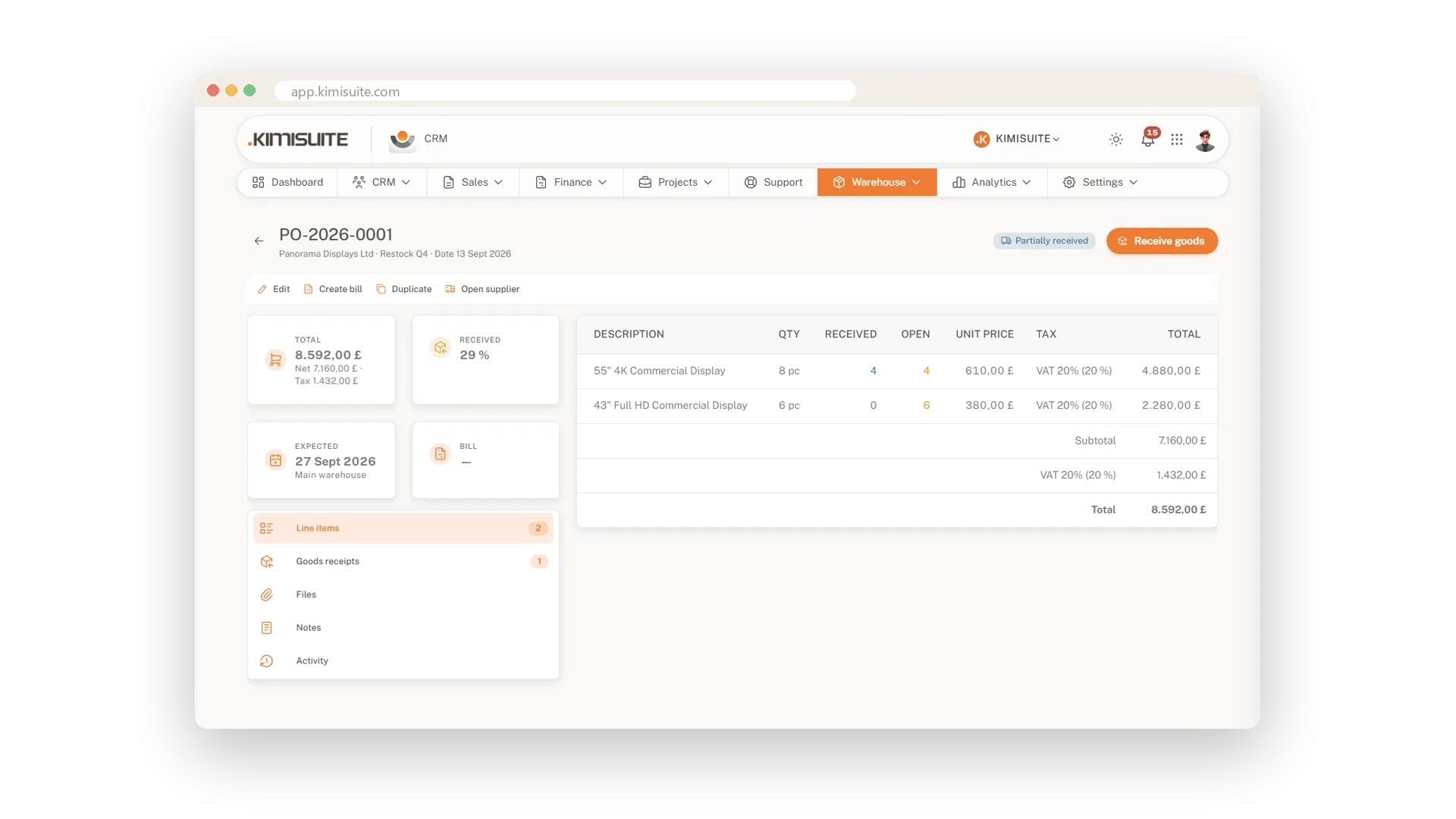
Create a purchase order for a supplier, add the items and the date you expect them. The overview shows open and overdue orders, what arrived this month and what arrived without a bill yet.
Goods receipt, also in parts
Receive what arrived and bill it in the same flow
When the delivery comes, receive it against the order, in full or just the part that arrived. Every receipt gets its own number, and when the supplier's invoice follows, you turn the order into a supplier bill.
Use Cases
Before you promise
A customer wants twenty, the shelf holds twelve and four are already in a proposal. The stock list shows eight available, so you know before you say yes.
Half a delivery
The supplier sends 30 of the 50 you ordered. Receive the 30, keep the order open for the rest, and your numbers stay honest.
The year-end count
Walk the shelves and record what you find as a stock count. Afterwards the stock list matches what is really there.
FAQ
Try CRM Business Hub today
From first lead to paid invoice in one app
14 days free, cancel anytime, no minimum term.
