Så ställer du in onlinebokning för din tandläkarmottagning (steg för steg)
Ställ in onlinebokning för en tandläkarmottagning med behandlingar, öppettider, tandläkare, tandhygienist och behandlingsrum, så att två patienter aldrig får samma stol. Patienterna bokar själva en behandling och en ledig tid.
Kapitel
- 0:00 Why online booking for your practice?
- 0:20 Pick your industry
- 0:33 Opening hours
- 0:43 Prices and times
- 1:01 Rooms and team
- 1:22 Shifts, staff portal and roles
- 1:57 Your booking page
- 2:25 What patients see
- 2:43 Confirm a booking
- 2:57 Cancellations and reminders
- 3:19 Patients and website widget
- 3:51 More features and your link
Transkription
Video på engelska
Why should your patients book online? Because nobody can answer the phone in the middle of a treatment. Calls get missed and an empty chair costs money. With a booking page, patients pick a treatment and a free time themselves, day or night.
In the next few minutes, you'll set up your own. We'll use Service Manager in KIMISUITE. Pick medical and healthcare and your treatments are ready. Set your opening hours, then start.
Check your prices and times and leave a few minutes after every patient to get the room ready. Add your dentists, your hygienist, and your treatment rooms so two patients never get the same chair. Your whole team works in it at no extra cost because you pay per practice, not per person, and only the hygienist is offered for a scale and polish. Plan everyone's shifts for the week right next to the bookings.
Everyone gets their own schedule with a personal pin at the desk or on their phone. And with rolls, everyone sees and does only what their job needs from the front desk to the dentist. Don't just watch. Open the link at the top of the description and set up your practice while I up mine.
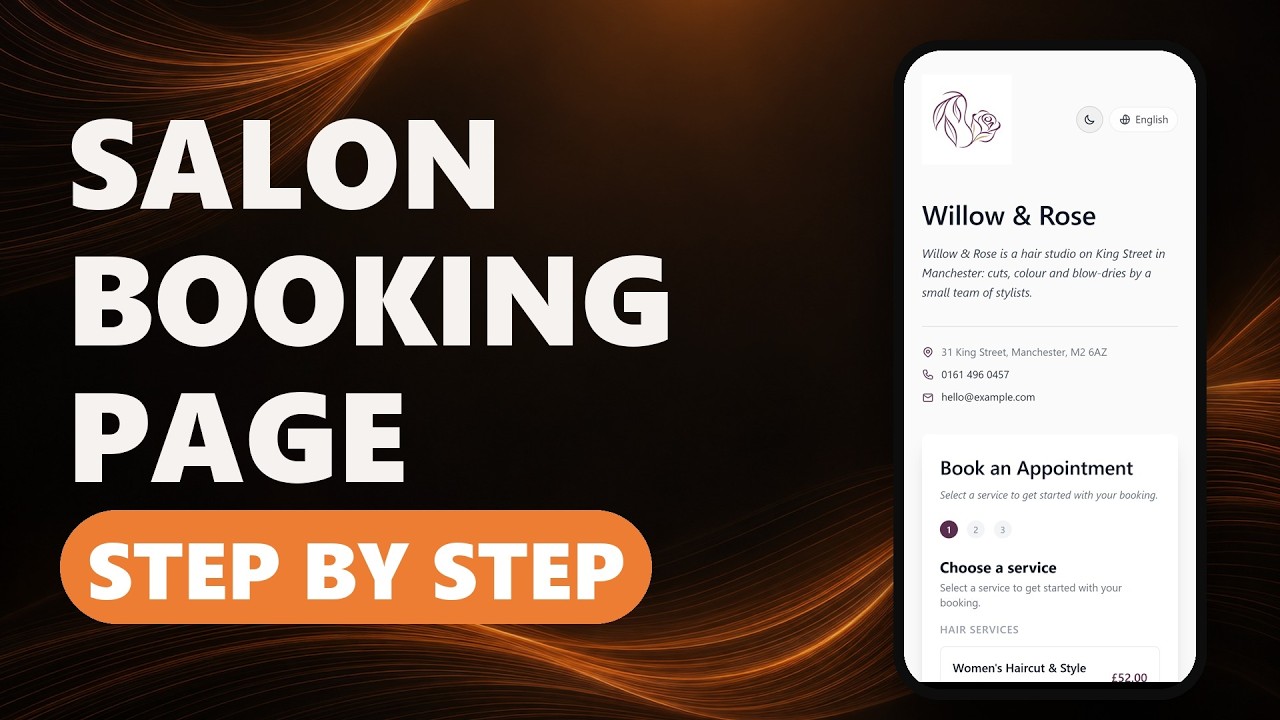
It's free for 14 days and you can cancel anytime. Now your booking page. Give it its own address, a design, and your practice colors. This is what your patients see.
They pick a treatment, a free time, and enter their details. That's it. They can pay when they arrive and online payments are built in too. The booking lands on your dashboard and in your calendar.
Confirm it with one click. Set your cancellation policy so late cancellations don't leave you with an empty chair. Patients get a reminder email before every appointment and can move or cancel it themselves up to the time you set. Every patient is saved with all their visits in one place.
Want booking right on your own website? Add a booking widget in your practice colors. There's more. 16 languages, calendar sync with Google, Outlook, and iCloud, automations, and weekly templates.
Put the link on your website, in your Google profile, and in your emails. Set up online booking for your practice free for 14 days. The link is at the top of the description. And subscribe for a new how-to every week.